Remove furniture from a photo and restyle the room
Dated sofas, boxes, a cluttered dining table: Stagey empties the room and restages it in a new style in one run, about a minute. The walls, floors and windows stay exactly as shot.
- Removes furniture, rugs, curtains and small decor before restyling
- Keeps the real walls, floor, windows and room shape
- 3 credits per photo: 2 for staging, +1 to empty it first
No credit card · 4 free credits
This is an add-on, not a separate tool
"Empty the room first" lives inside Stage a room. There's no way yet to get the empty room back on its own, with no new furniture: it always finishes with a restyle. If you just need clutter gone from an otherwise tidy room, use Remove Clutter instead.
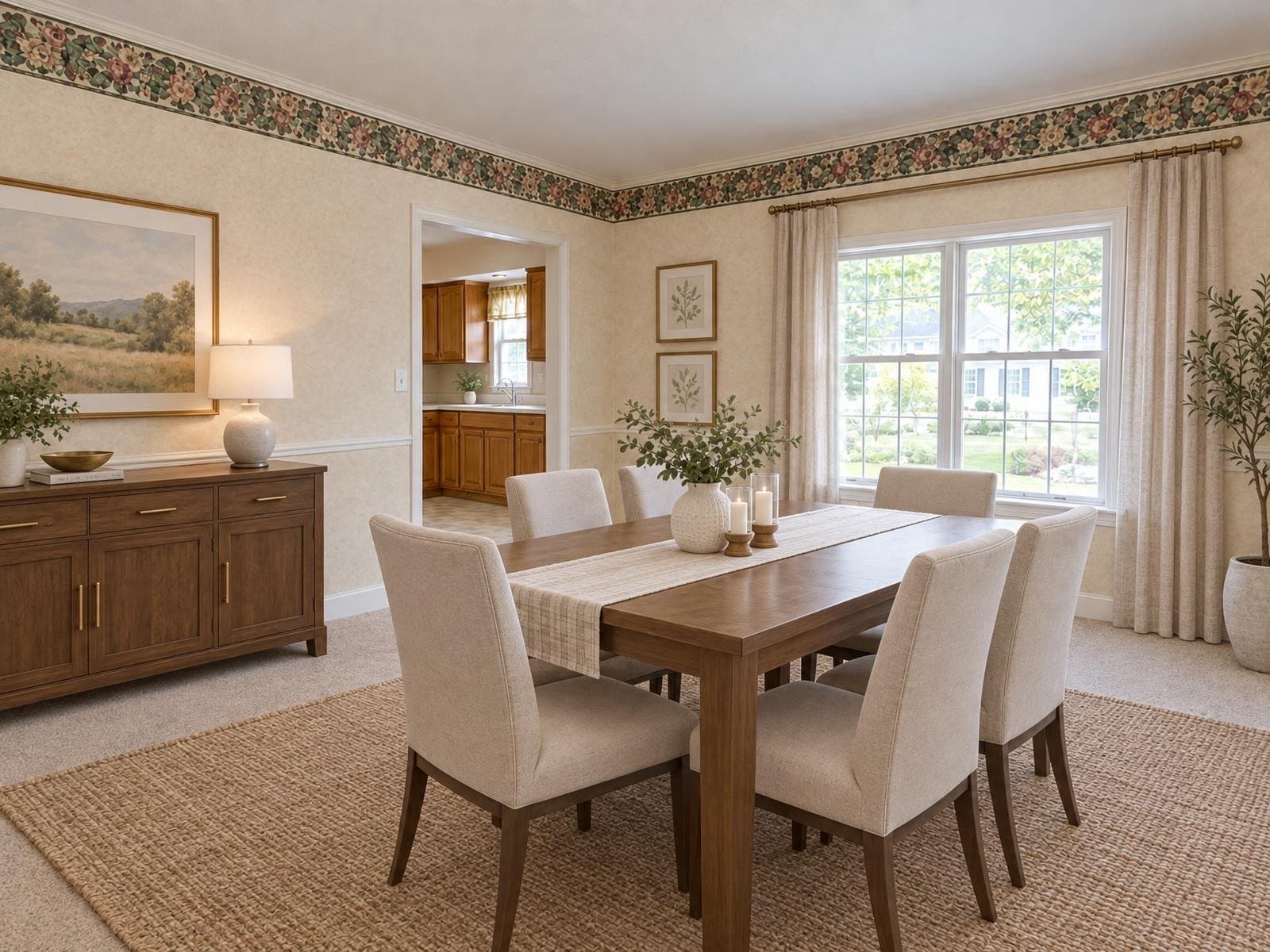
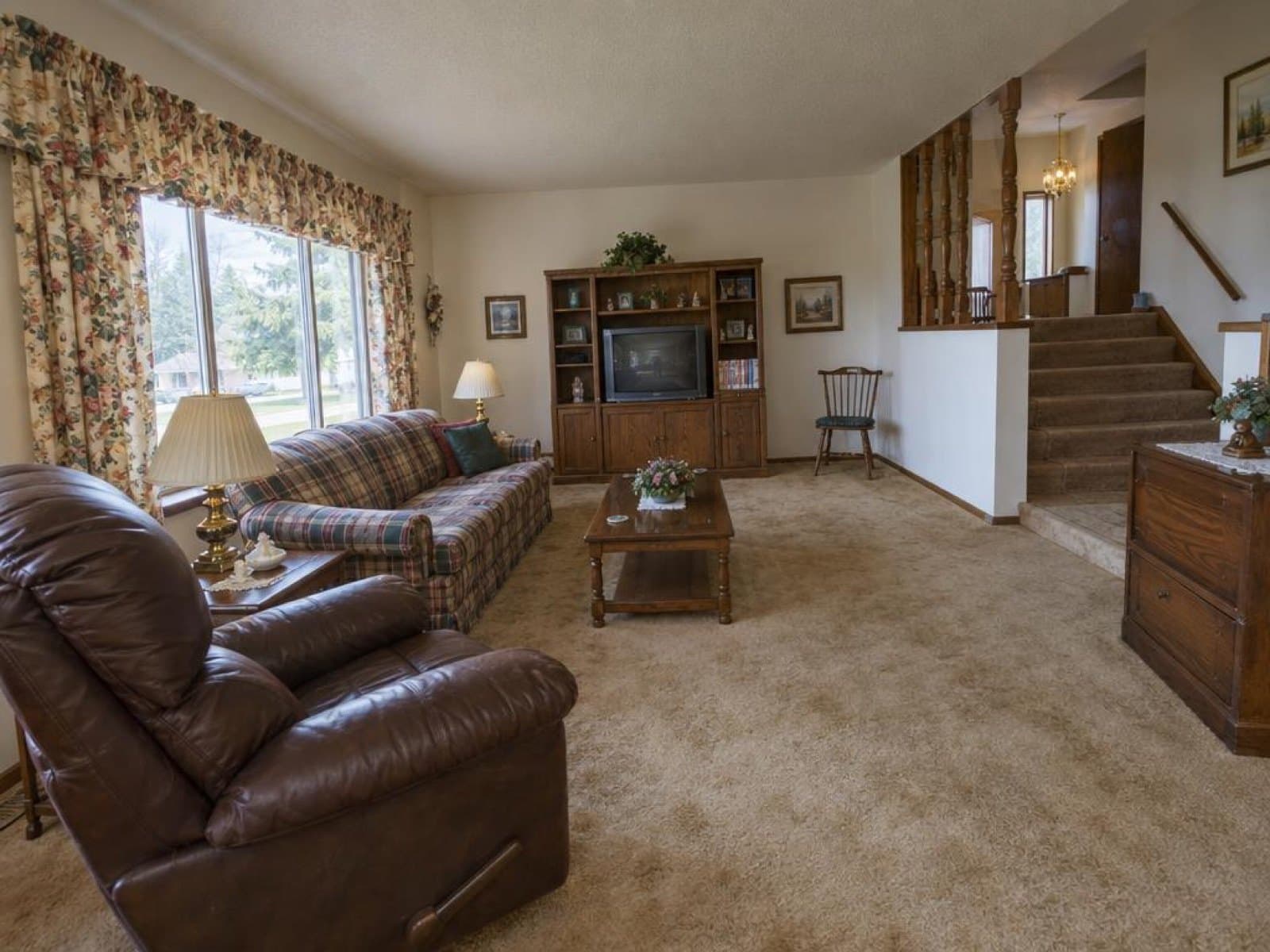
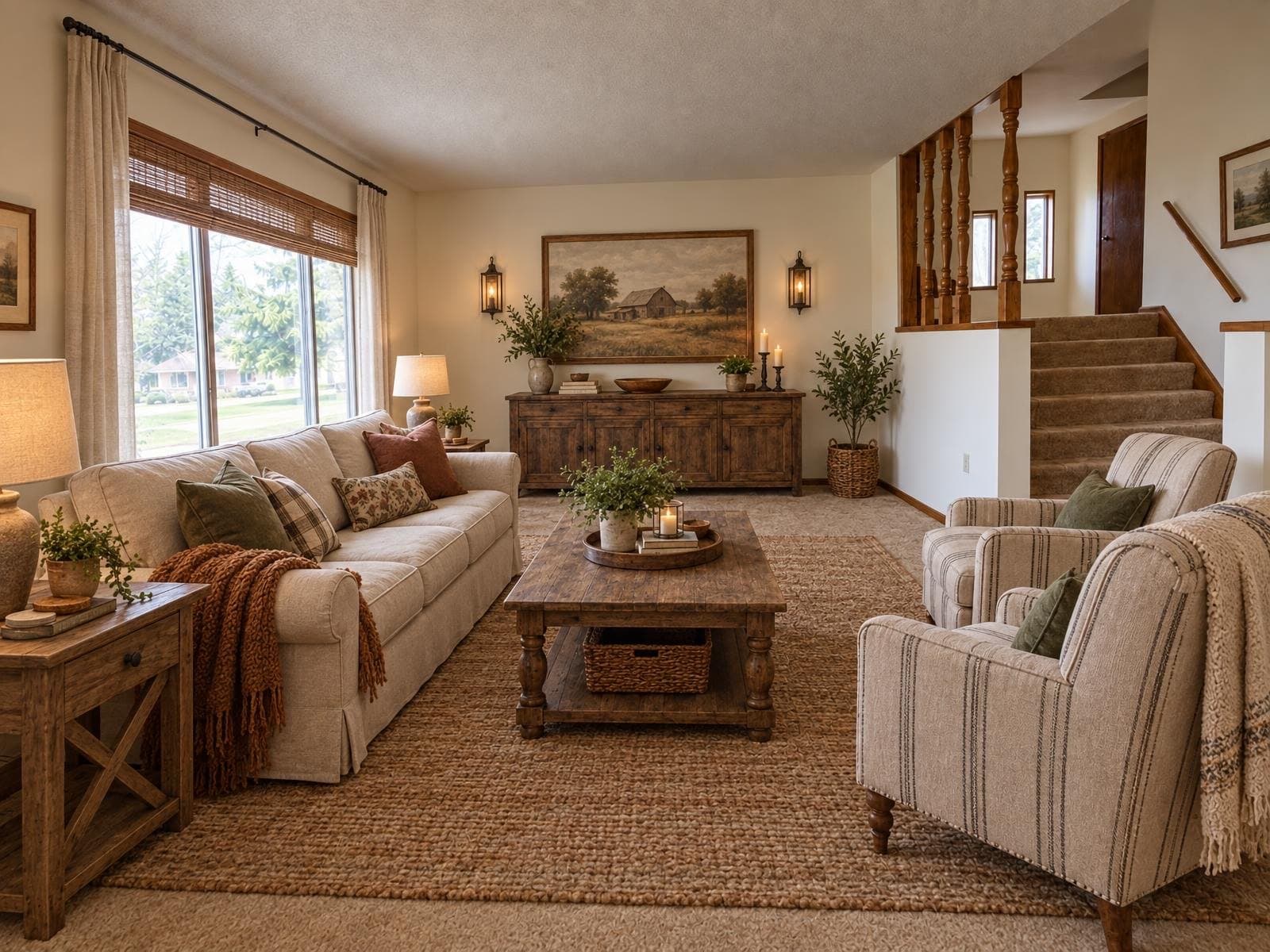
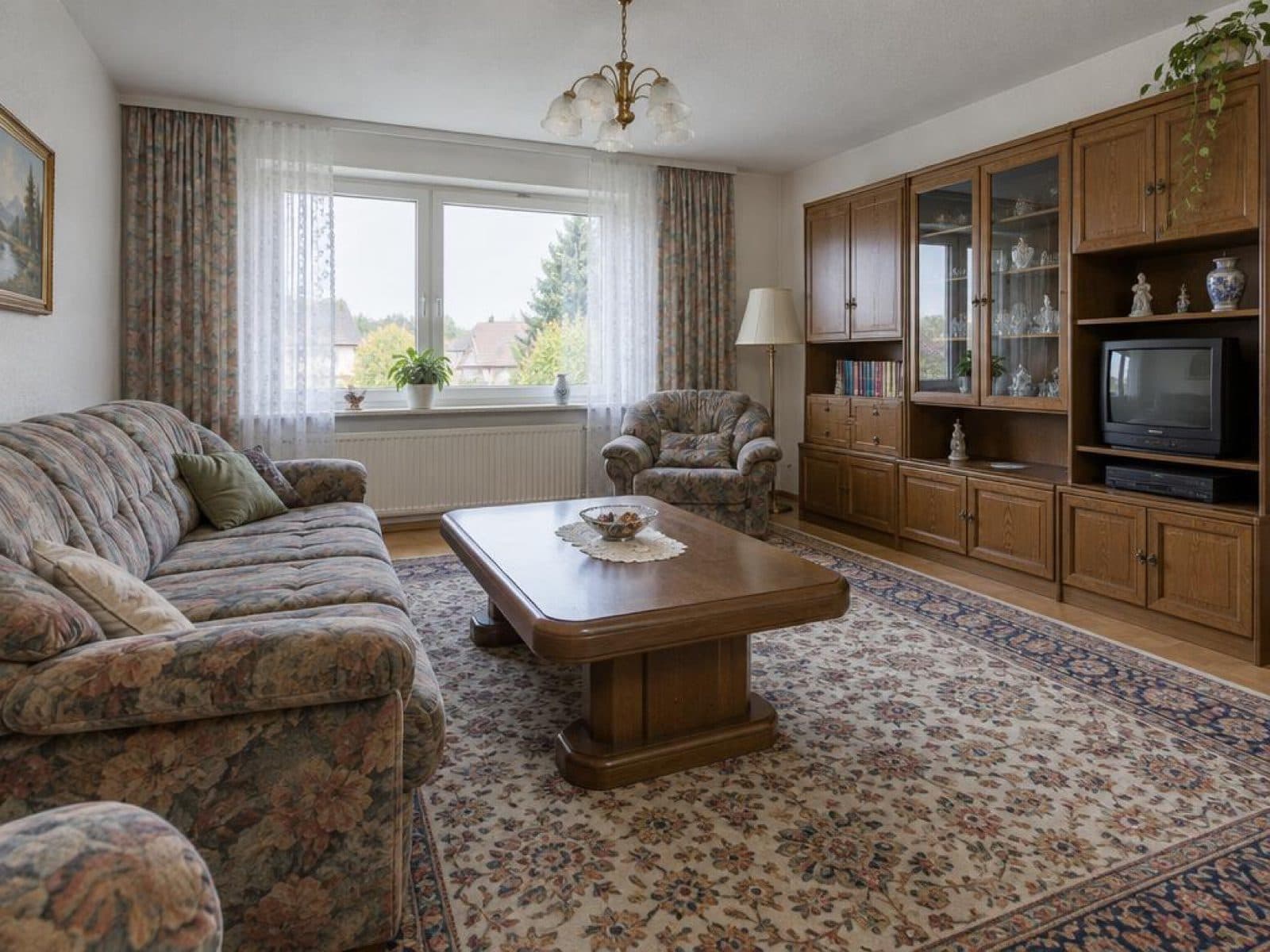
Furnished, emptied, restyled: one photo, three states
Two real rooms run through Stagey once each. The empty stage in the middle is what the add-on produces before the new style is added.
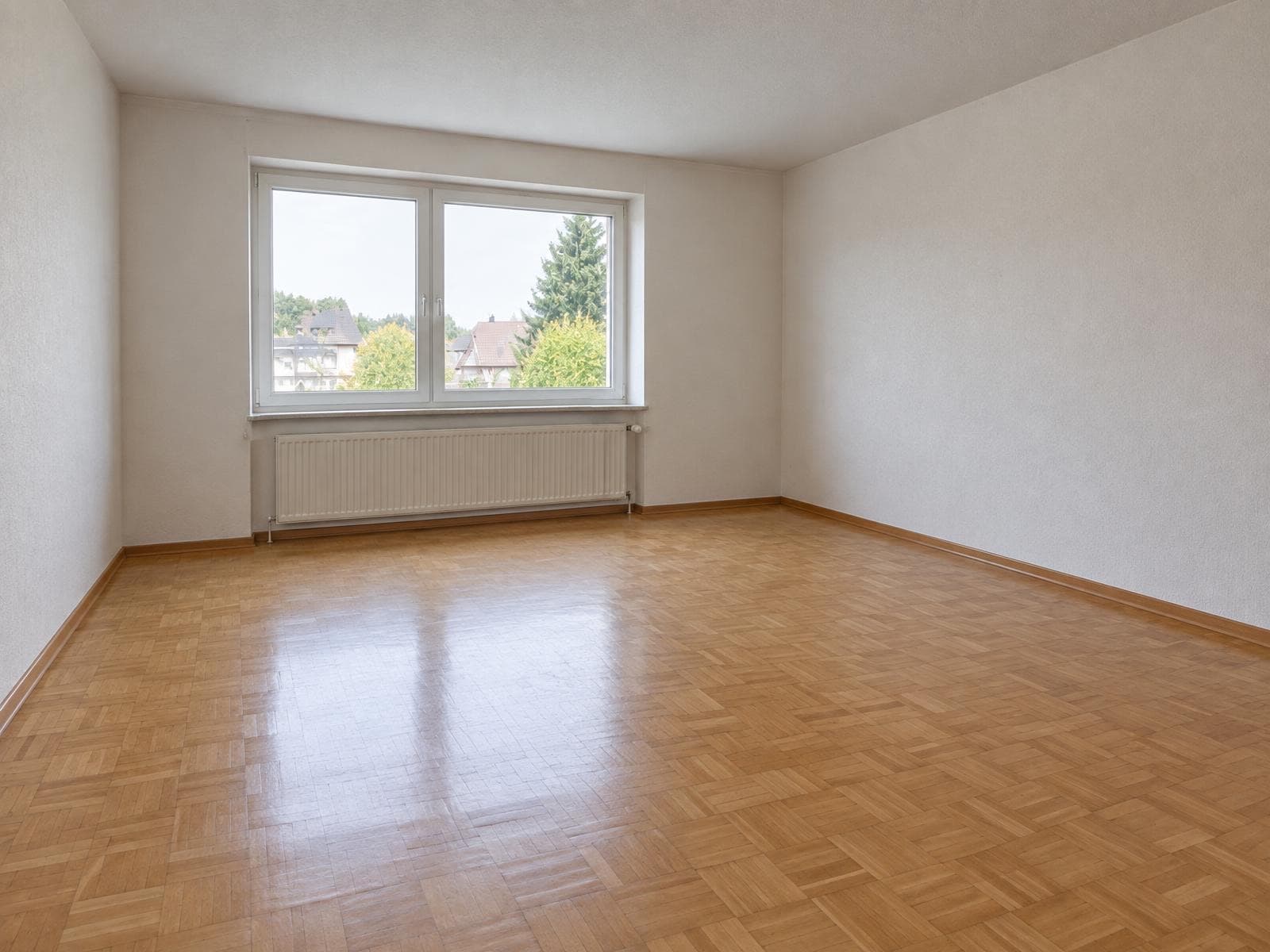
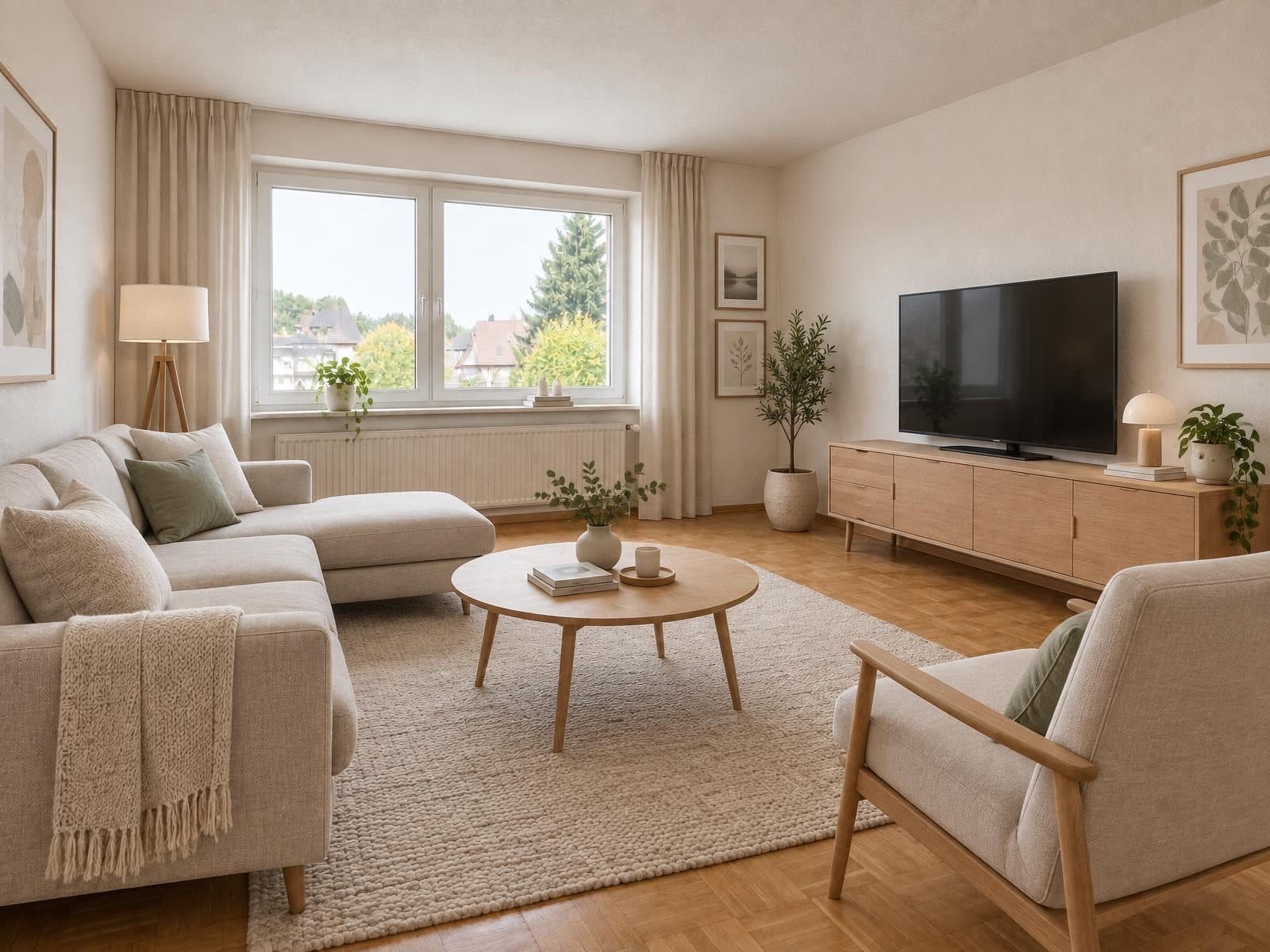
A 1990s living room with a heavy sofa and a dark wall unit, emptied and restyled in a modern style.
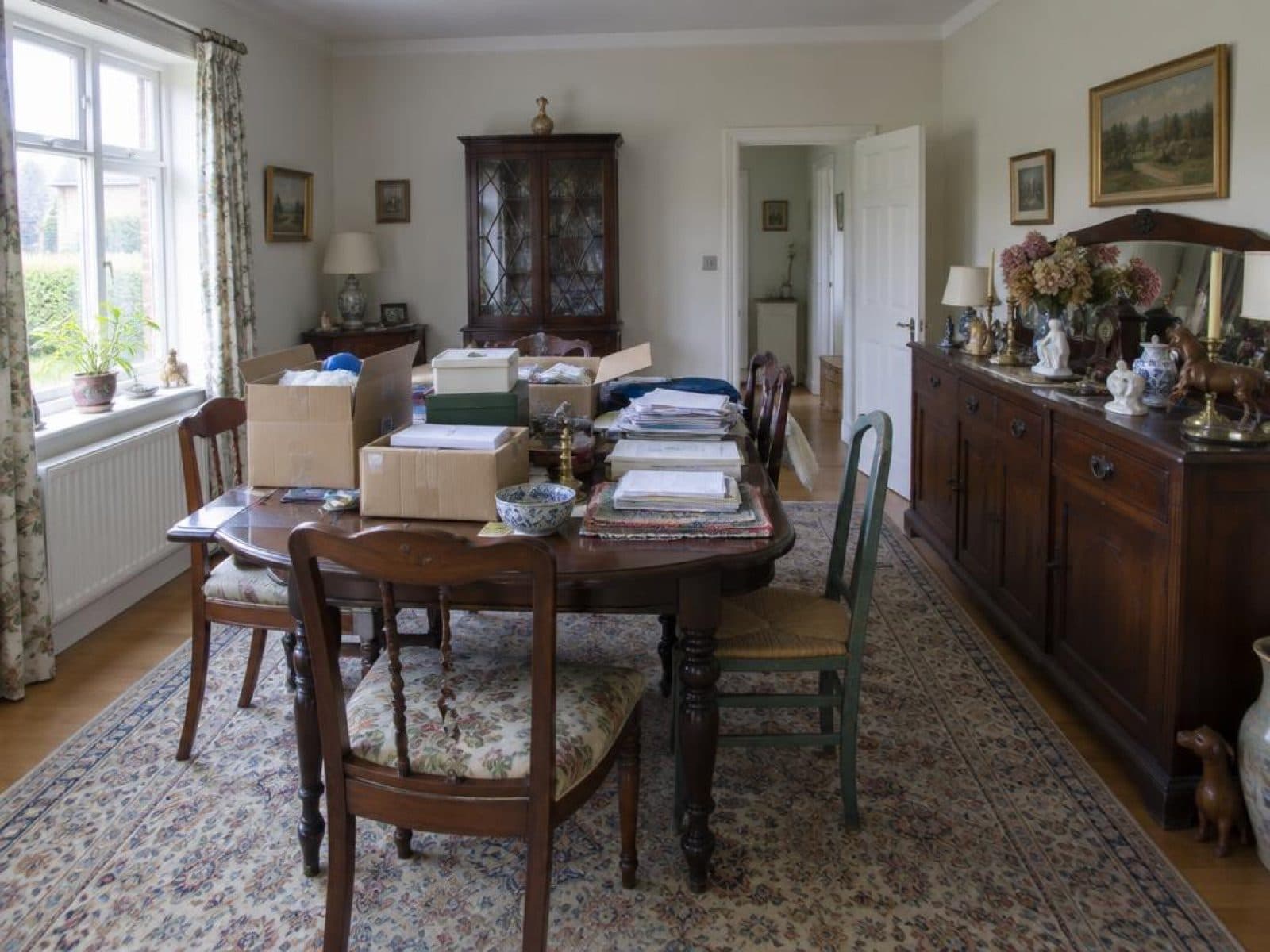
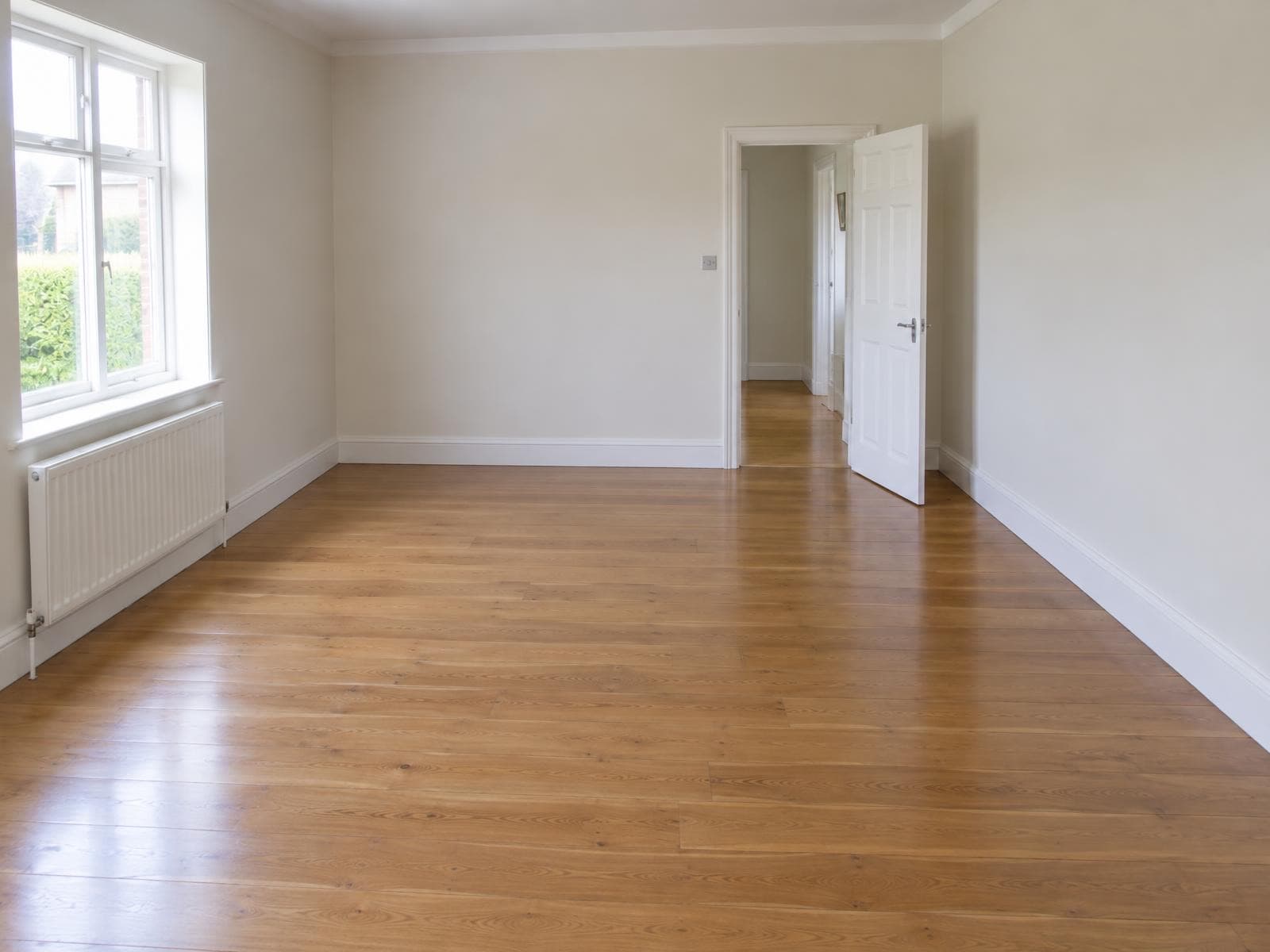
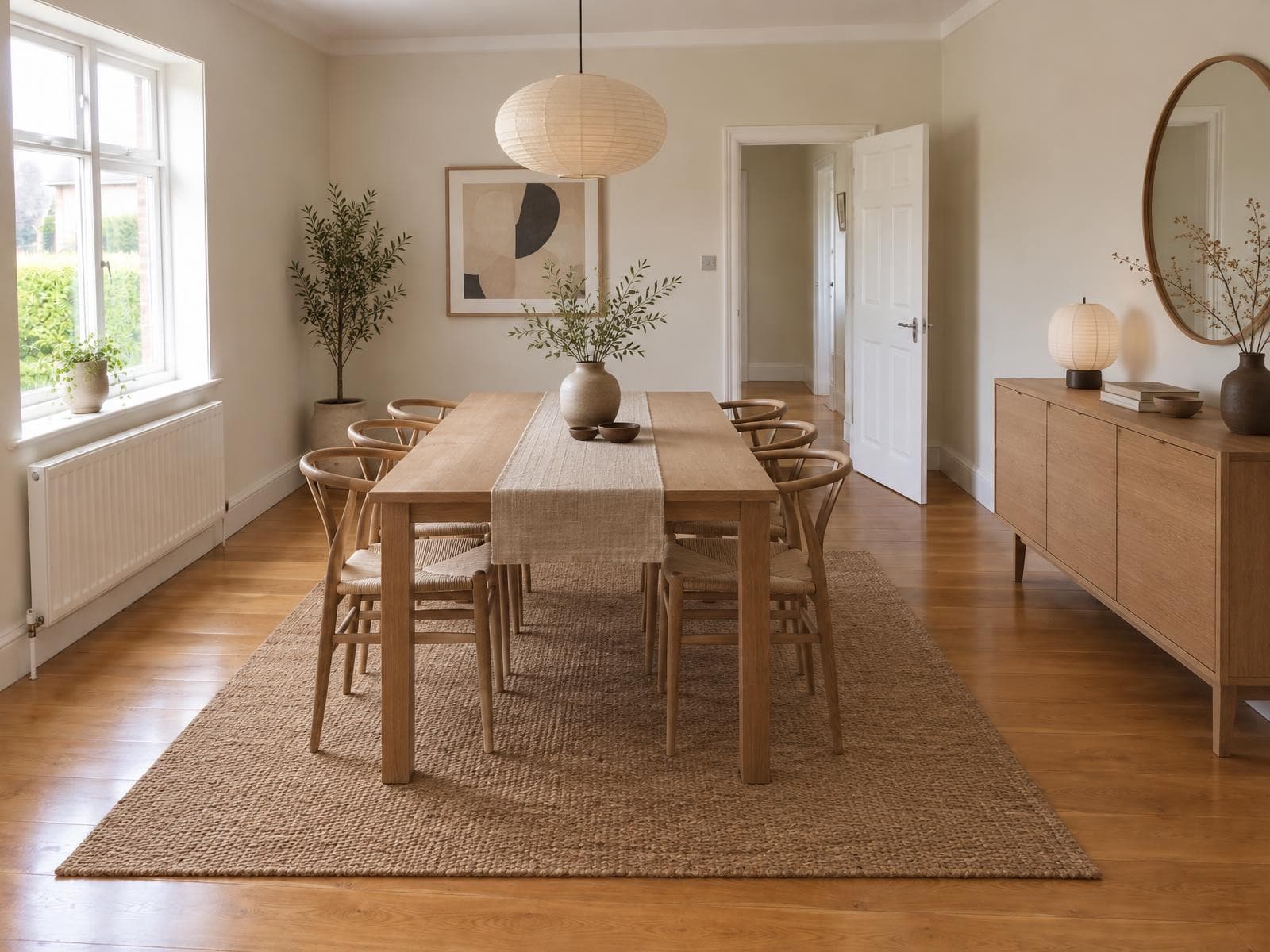
A dining room cluttered with moving boxes and mismatched chairs, emptied and restyled.
How to empty a room and restyle it in Stagey
Same upload as any staging job. One extra tick-box does the emptying.
- 1
Upload the photo
A photo of the furnished room, straight on where possible. - 2
Pick Stage a room
The same tool used for already-empty rooms. - 3
Tick “Empty the room first”
This removes the existing furniture before the new style goes in. - 4
Pick a style and run it
Stagey empties the room and restyles it in about a minute.
What it costs to remove furniture from a photo
Priced as two steps: staging, plus the add-on that empties the room first.
Empty the room first on Stagey
$3.12–$3.60
2 credits for staging, +1 to empty the room first (3 total) · credits from $1.04 to $1.20 each · about a minute
See all prices →Movers, for one photo
Not practical
Nobody moves furniture out and back in for a listing shoot
Edit it yourself
Your time
Clone out every piece of furniture by hand, then place new furniture to match the light
What changes, and what doesn't
The same rule as any Stagey edit: the room stays real, only its contents change.
Changes
- Furniture, rugs, curtains and small decor
- The room's style, once restyled
- Clutter sitting on or near the removed furniture
Stays exactly as shot
- Walls, flooring, ceiling and paint colours
- Windows, doors and built-in fixtures
- The room's real shape and proportions
Questions people ask
Is there a tool that only empties a room, with no restyle?
Not yet. "Empty the room first" is a tick-box inside Stage a room: it removes the existing furniture and replaces it with a new style in the same pass, for 3 credits total. If you only want the empty room with no new furniture, tell us on the feedback form in the app.
Will it touch the walls, floor or windows?
No. Only furniture, rugs, curtains and small decor are removed and replaced. Walls, flooring, windows, doors and the room's structure stay exactly as photographed.
What happens to clutter like boxes or laundry?
Loose items on the floor or on furniture go with the furniture they're sitting on or near. For a photo that's otherwise tidy but has a few stray objects, Remove Clutter is the more precise tool.
Does the new furniture match the room's size and light?
Yes. The restyle keeps the room's real proportions, windows and light direction, so the new furniture is scaled and lit for the actual space rather than dropped in.
How many credits does it cost?
Staging a photo is 2 credits. Ticking "Empty the room first" adds 1 more, for 3 credits total. Credits cost roughly $1 each depending on the pack, and new accounts get 4 free credits with no card.
Do I need to disclose that furniture was changed?
Yes, the same as any virtual staging: buyers should know the furniture shown isn't in the home. See our disclosure guide for the wording MLS boards and portals expect.
More for furnished and empty rooms
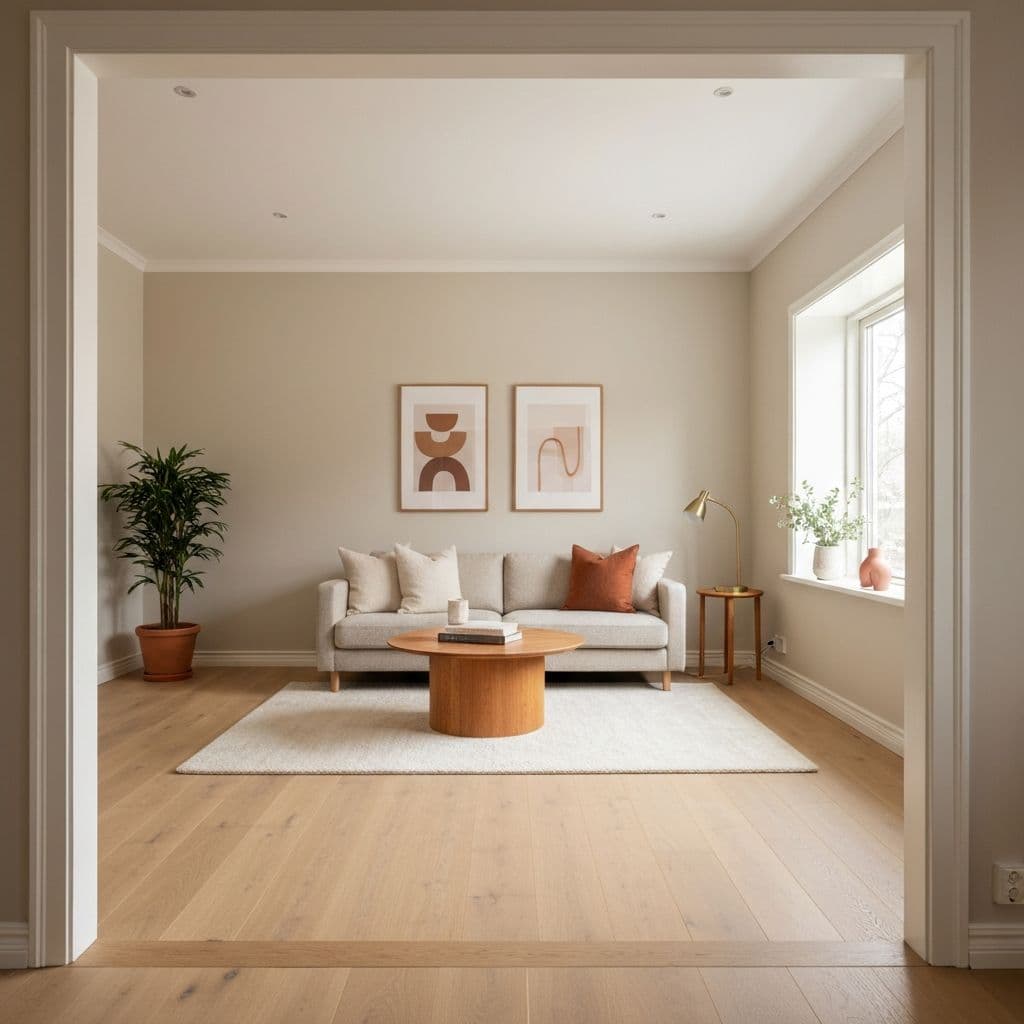
Tool
Virtual staging
Already-empty room? Stage it directly, no need for the emptying step.
Read →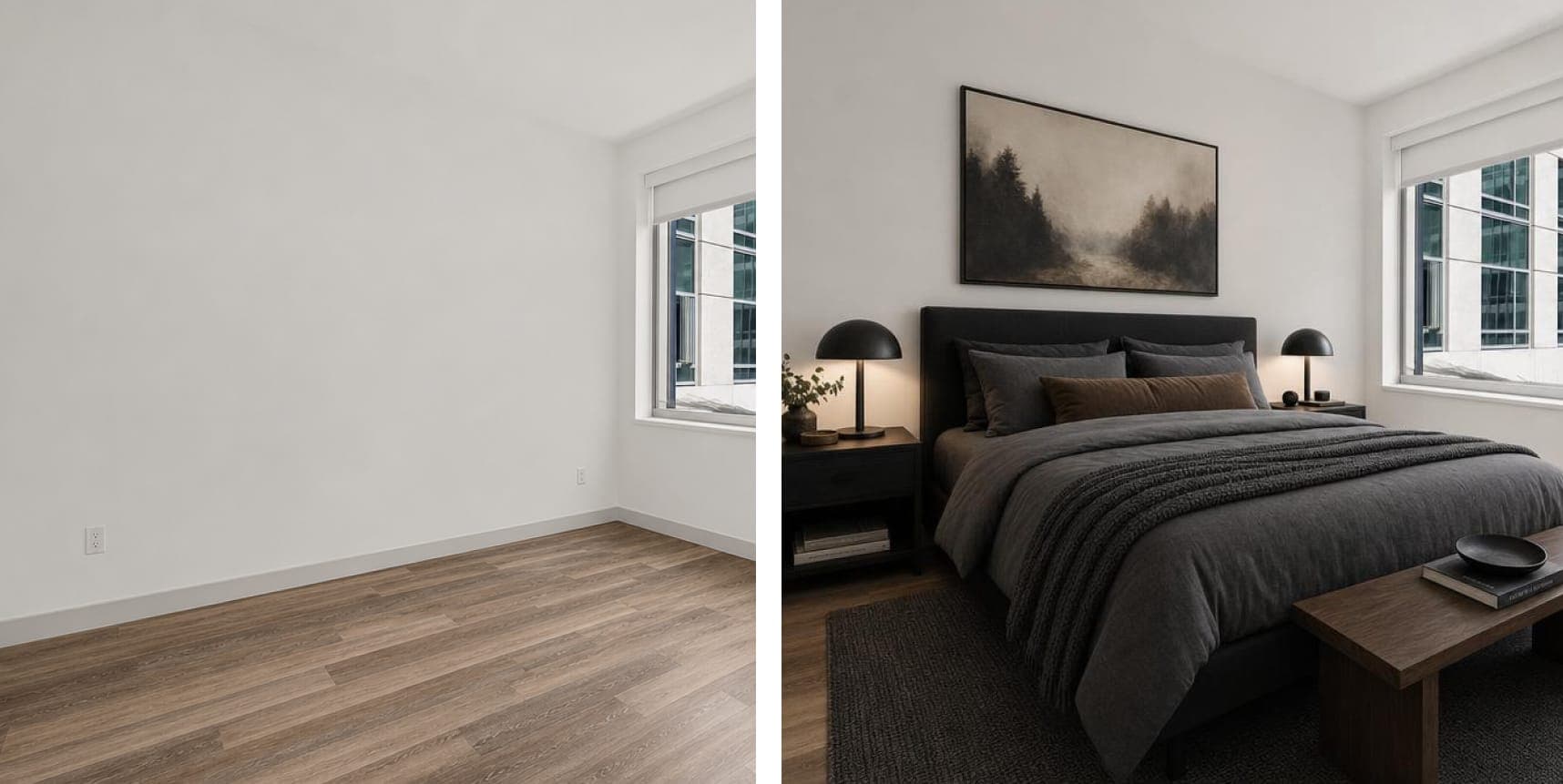
Tool
Remove clutter
Tidy room, a few stray objects: remove just what's in the way, no restyle needed.
Read →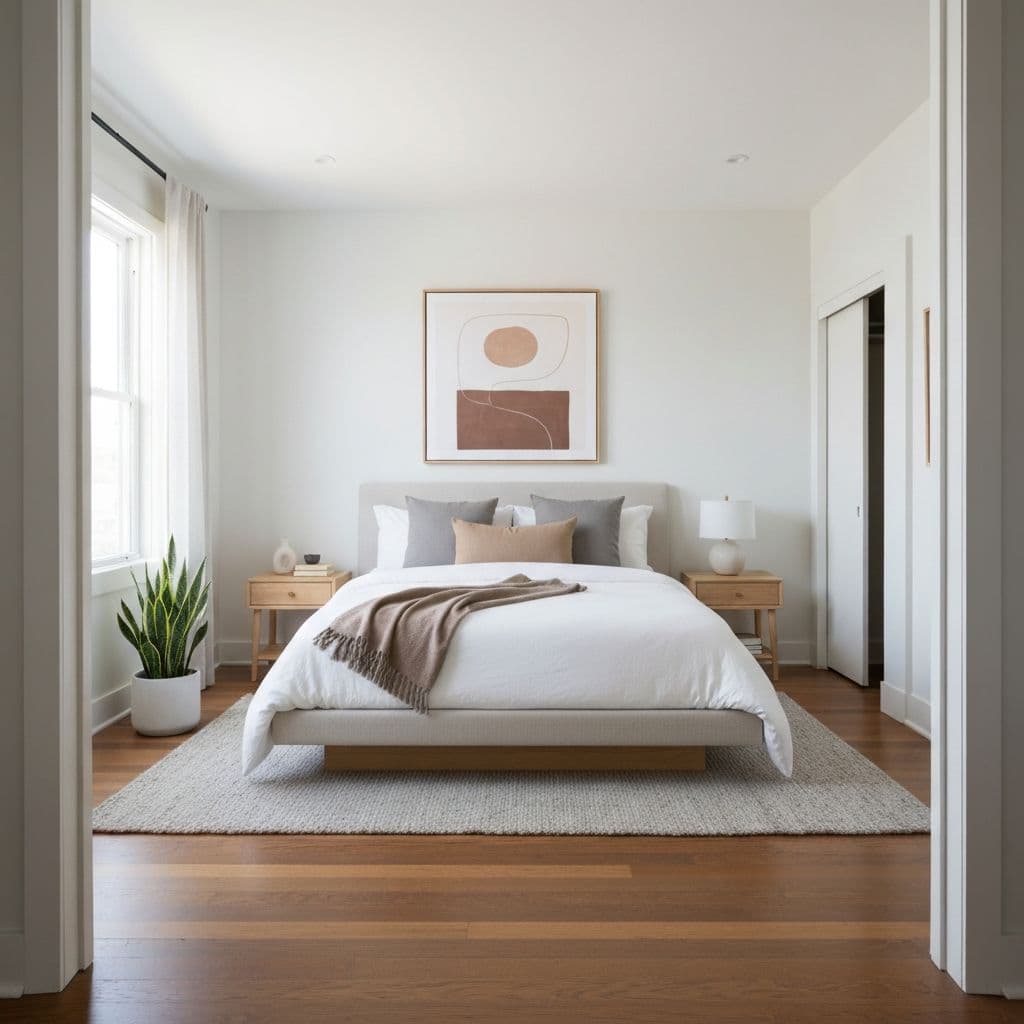
Guide
Staging tips for selling a house
What to do physically before the shoot, and when a virtual restyle is the faster fix.
Read →Empty it, restyle it, in about a minute
Upload one furnished room and see it emptied and restaged, free on your first photo.
4 free credits · no credit card