Photography guide
Rental listing photos: what to shoot, and what to do when a tenant still lives there
A rental listing has one job: help a renter picture living in the unit before they book a viewing. Here is what to shoot, how to handle a unit that is still occupied, and how to fix the photos afterwards.
By the Stagey team · Updated 11 November 2026 · 7 min read
A renter decides from the photos whether a viewing is worth their time, so the photos have to show the unit as it will be let. That is simple when the unit is empty and clean. It gets harder when a tenant is still living in it, or when the photos are a year old.
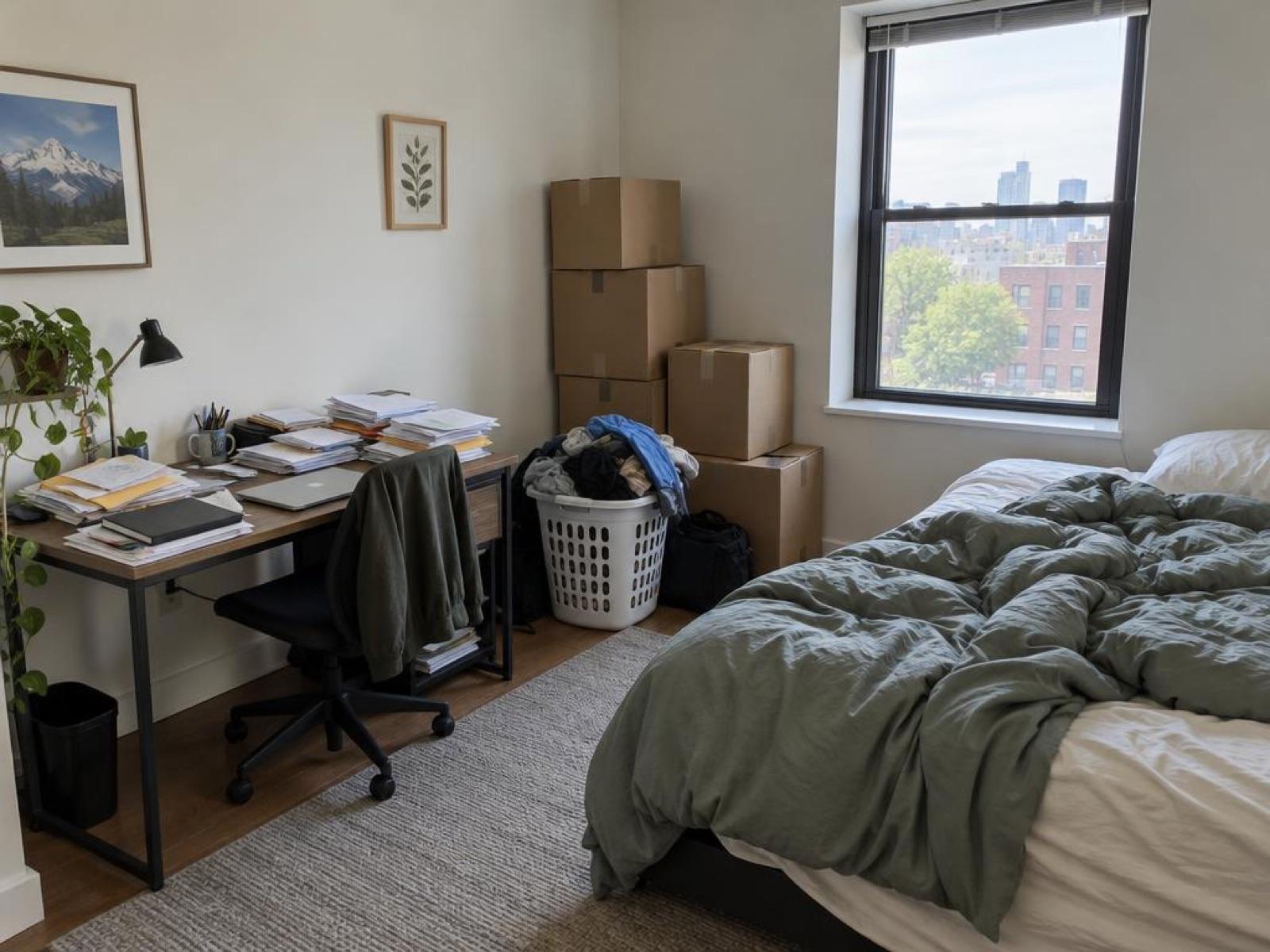
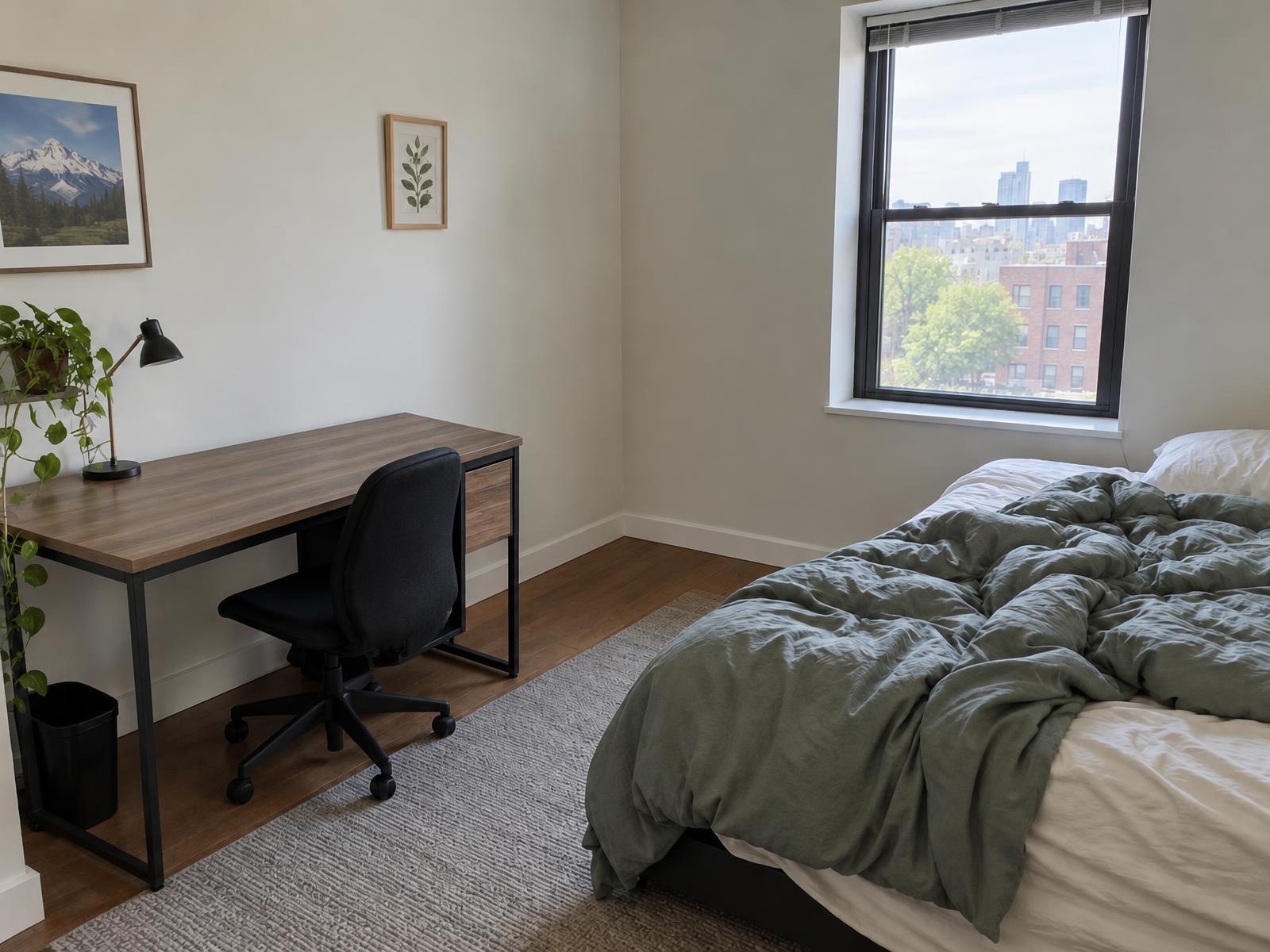
If a tenant's loose things are in the shot, Remove clutter takes them out of the photo afterwards.
Rental listing photos: three situations, three plans
Pick the row that matches your unit. The plan that follows it covers the shoot and the fix.
| Situation | The plan |
|---|---|
| Vacant unit at turnover | Shoot it clean and bright. Then virtually stage one or two key rooms, labeled. |
| Tenant still living there | Shoot the key rooms after notice and a talk about personal items. Then remove loose clutter. |
| Photos from last year | Use them only if the unit looks the same. Otherwise retake the rooms that changed. |
Our own sorting for this guide.
Photos for a rental listing when the unit is vacant
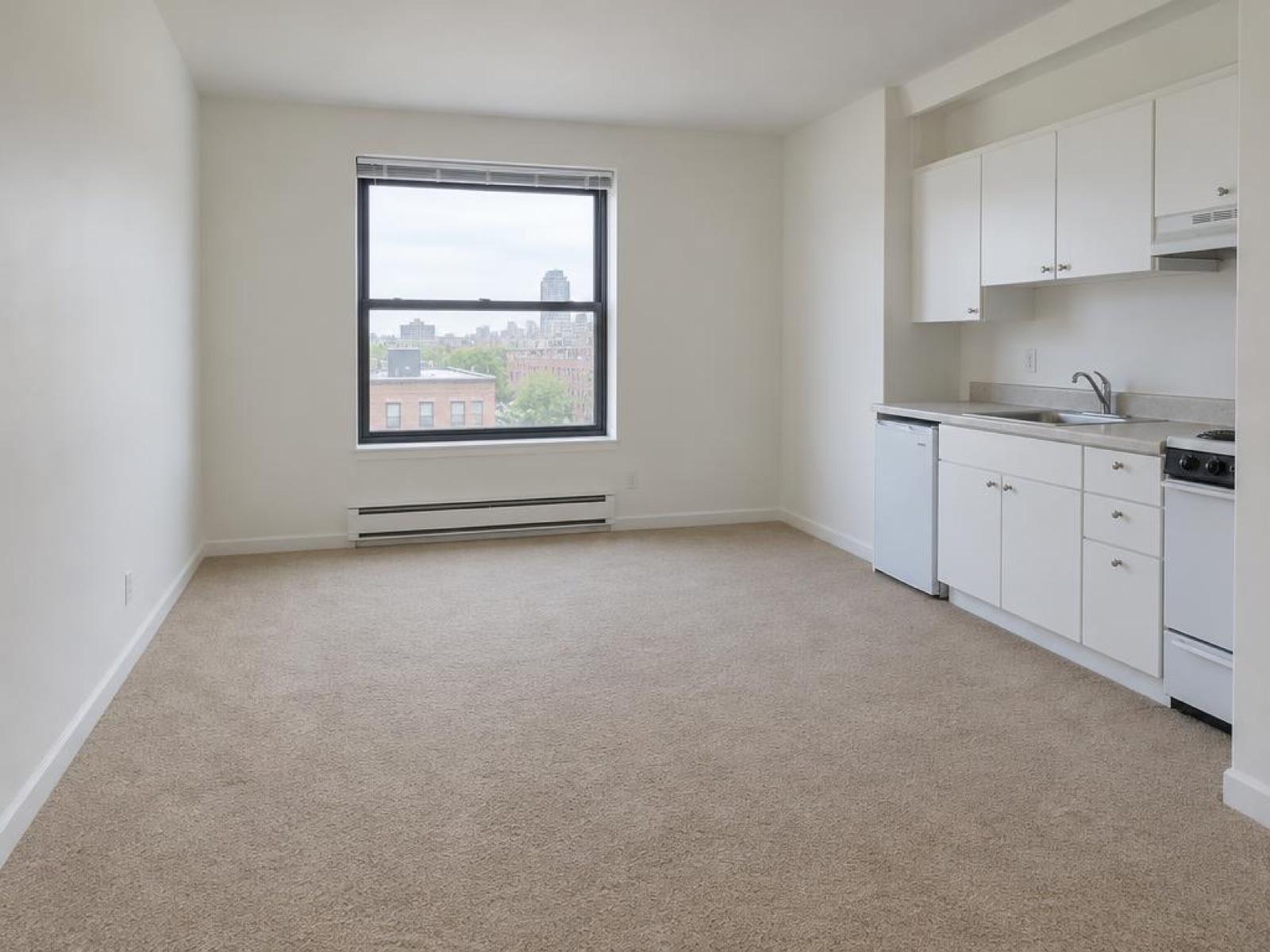
Between tenants is the easiest time to shoot. Clean the unit, open the blinds, switch on every light and shoot each room straight on at eye height.
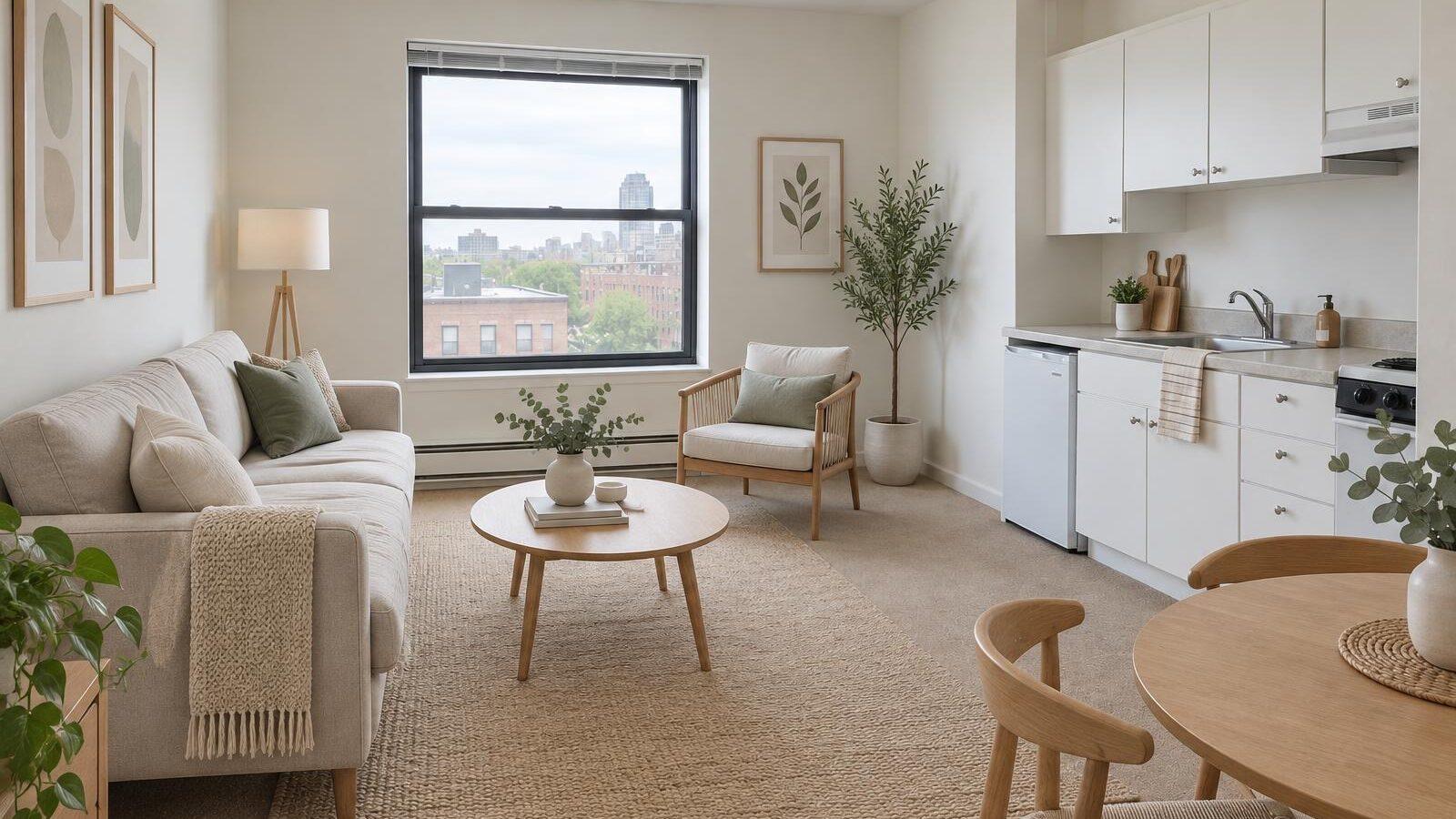
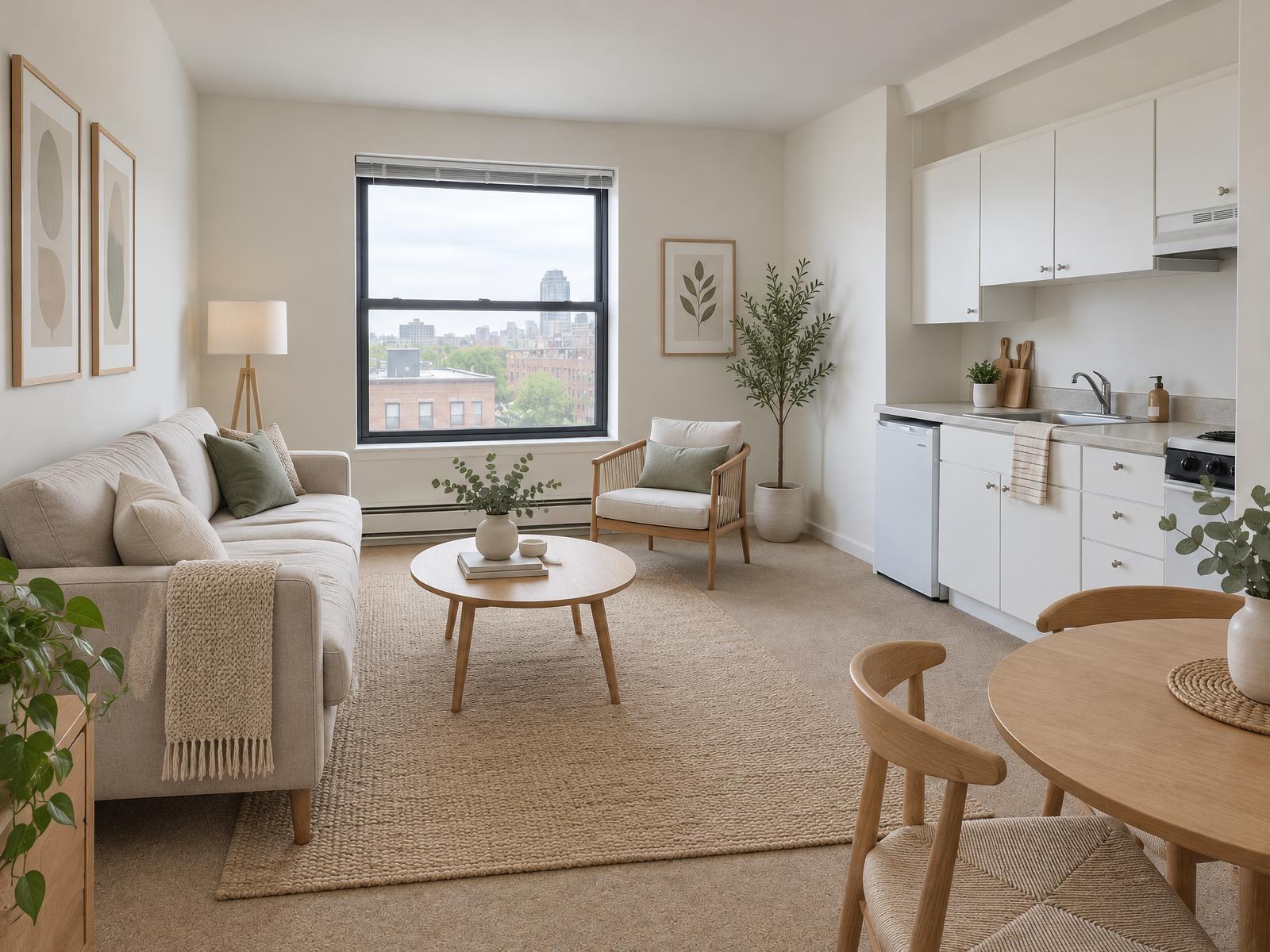
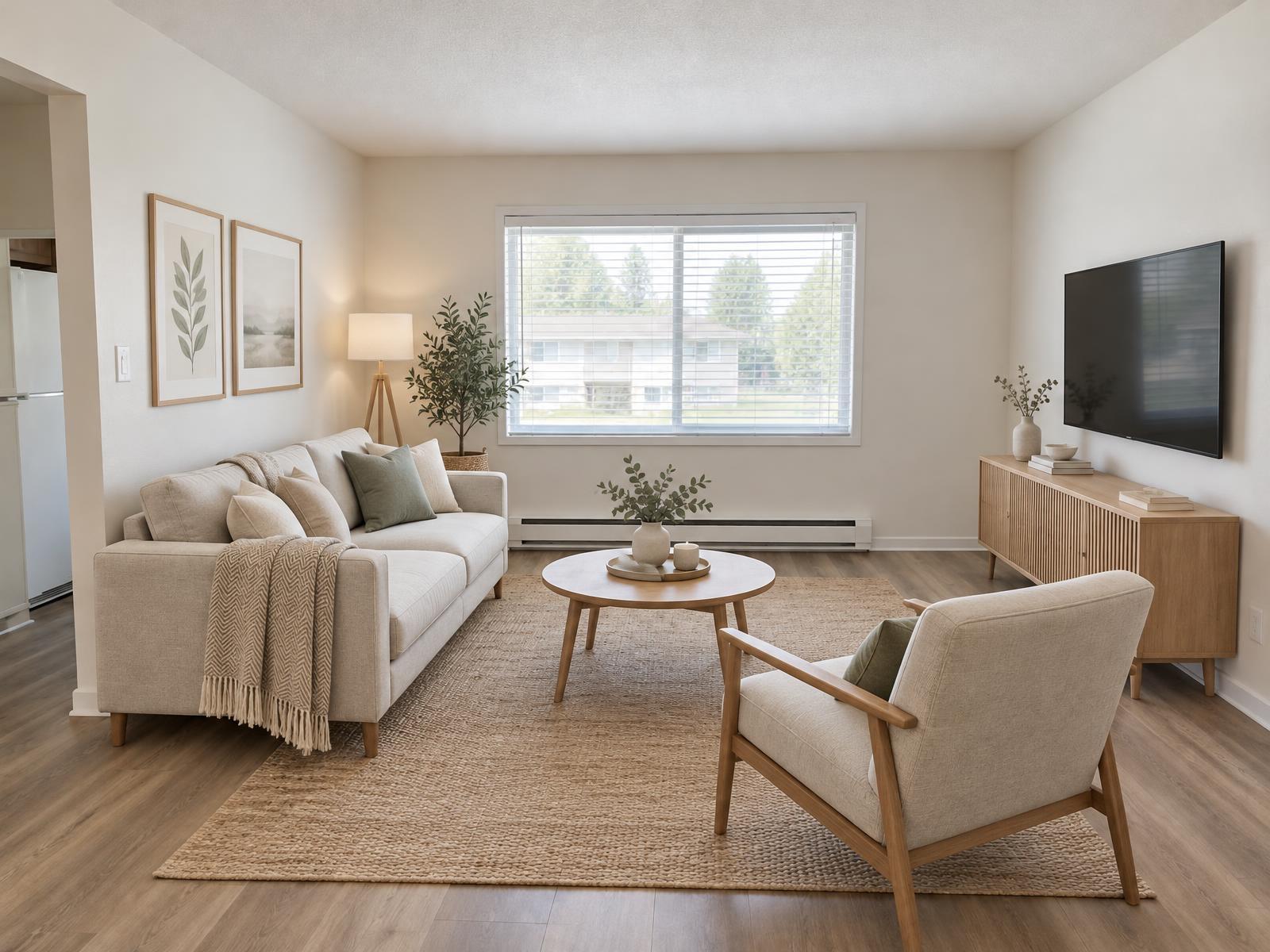
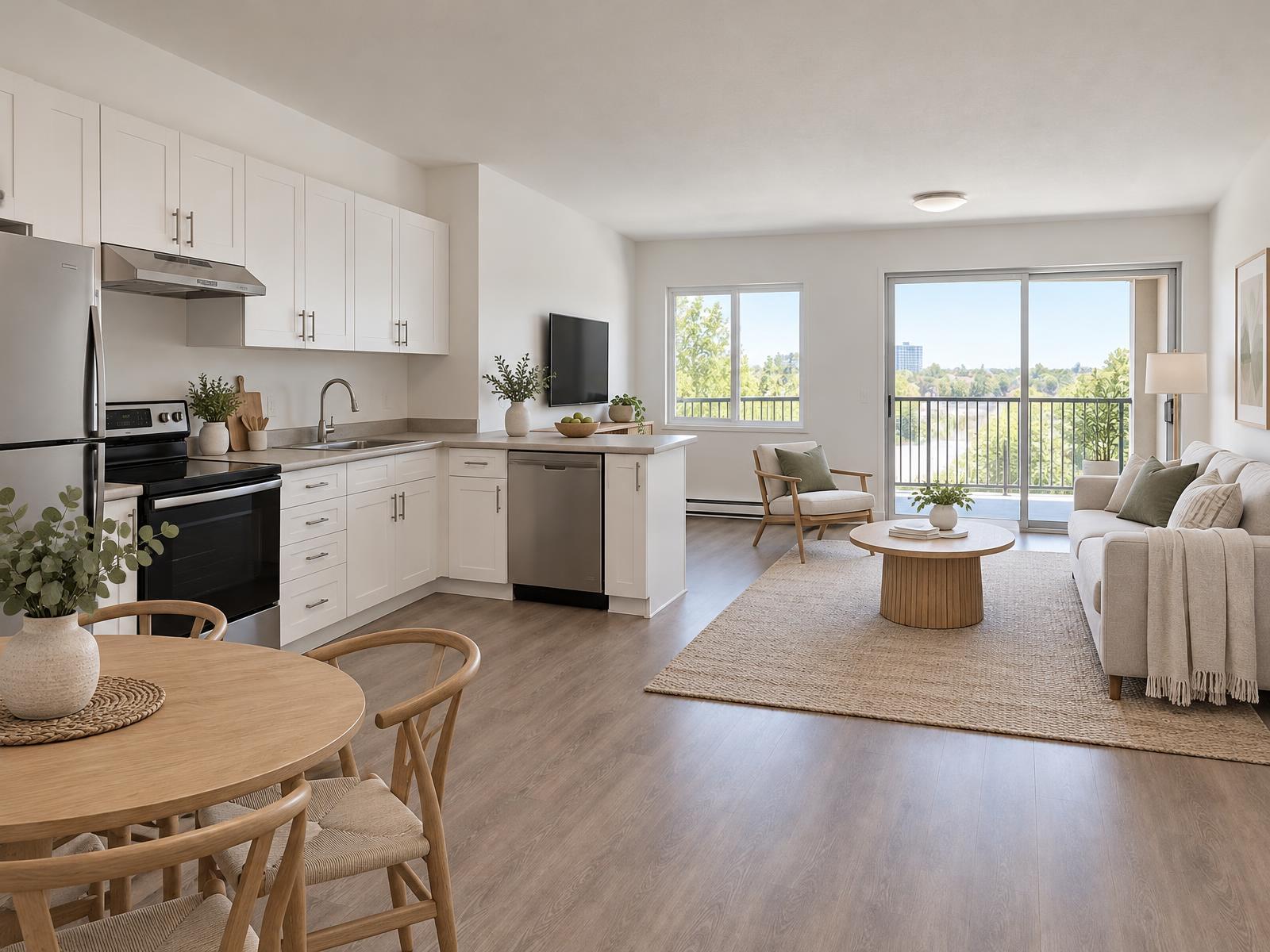
An empty room is hard to read, so it looks smaller than it is. For one or two key rooms, usually the living room and the main bedroom, virtual staging fills the floor with furniture. Label those photos as virtually staged, and keep an unstaged photo of the same room next to them.
How to take photos for a rental listing: the shot list
Shoot in landscape. Give every room a clear wide frame, and use the checklist as the order of your shots. Show only what the lease includes: if a space is not part of the rental, leave it out of the photos or say so in the description.
- Living roomFrom the doorway, with the window in view and every light on.
- KitchenBoth walls and the appliances in one frame, counters clear.
- Each bedroomBed made, closet doors closed, the window in view.
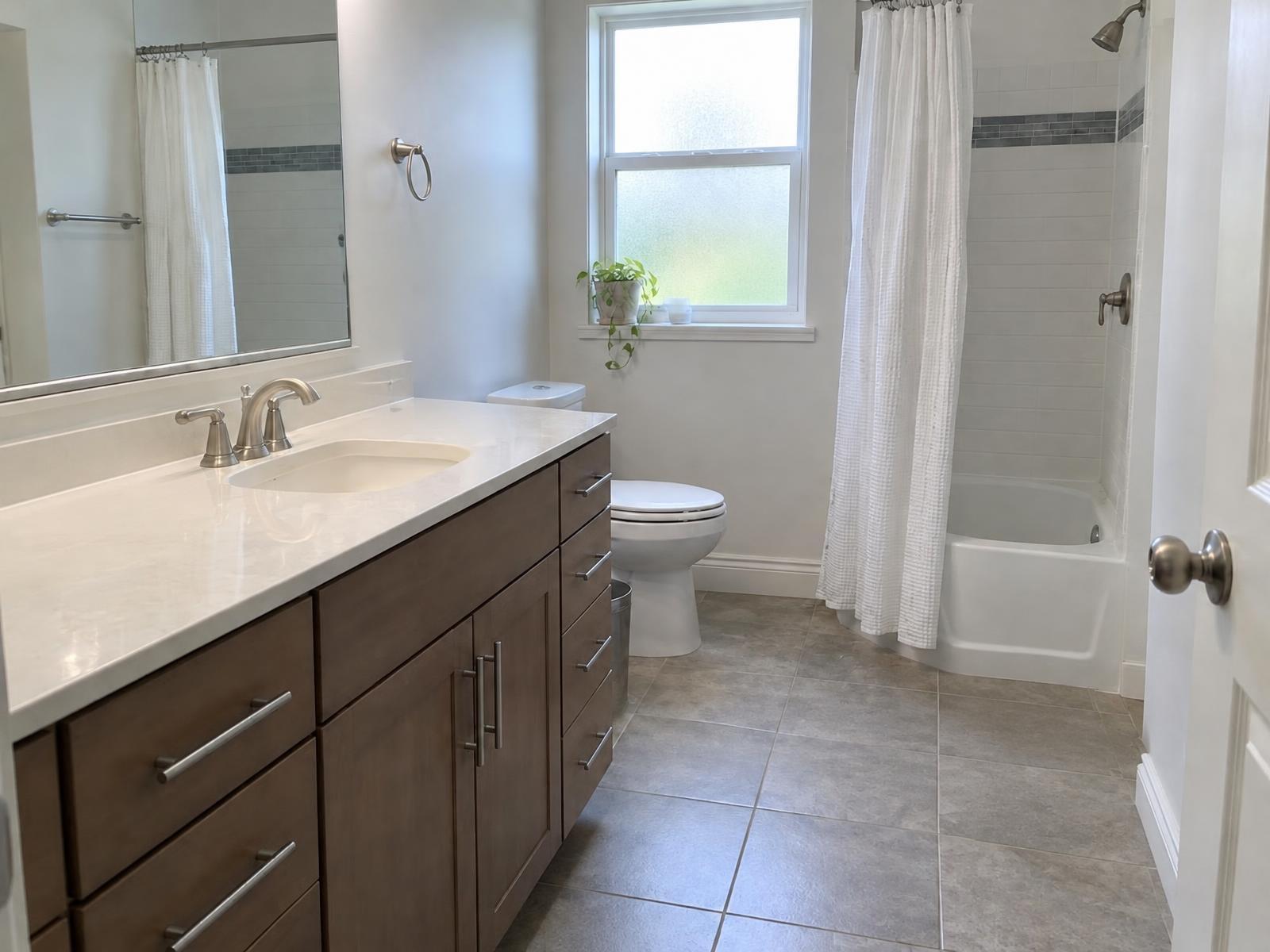
- BathroomToilet lid down, mirror clear of you, towels hung up.
- LaundryThe washer and dryer, or the hookups if the unit has none.
- Outdoor spaceBalcony, patio or yard, shot from the door it opens from.
- ParkingThe space or garage the renter gets, so they know what to expect.
- Building exteriorThe entrance, so the renter knows what they are walking into.
- AmenitiesShared laundry, gym, pool or lobby, if the lease includes them.
Photographing a tenant-occupied rental: notice, personal items and the shoot
This is the hard case, and the one most listings get wrong. The tenant still lives there, the unit is still rented, and the photos still need to be taken. Three steps make it workable.
- 1
Give the notice to enter
Send the notice to enter that your lease and state law require, and keep a copy. Say which rooms you want to shoot and roughly when. Don't arrive unannounced with a camera. - 2
Ask before you photograph personal items
Ask the tenant to put away documents, post, medication, family photos and anything with a name or address on it. Don't move their belongings yourself without asking. - 3
Shoot the rooms that matter, then clean up
Shoot the living room, kitchen, bathroom and main bedroom first. If loose items still show, Remove clutter paints them out of the photo. The furniture and the room stay as photographed.
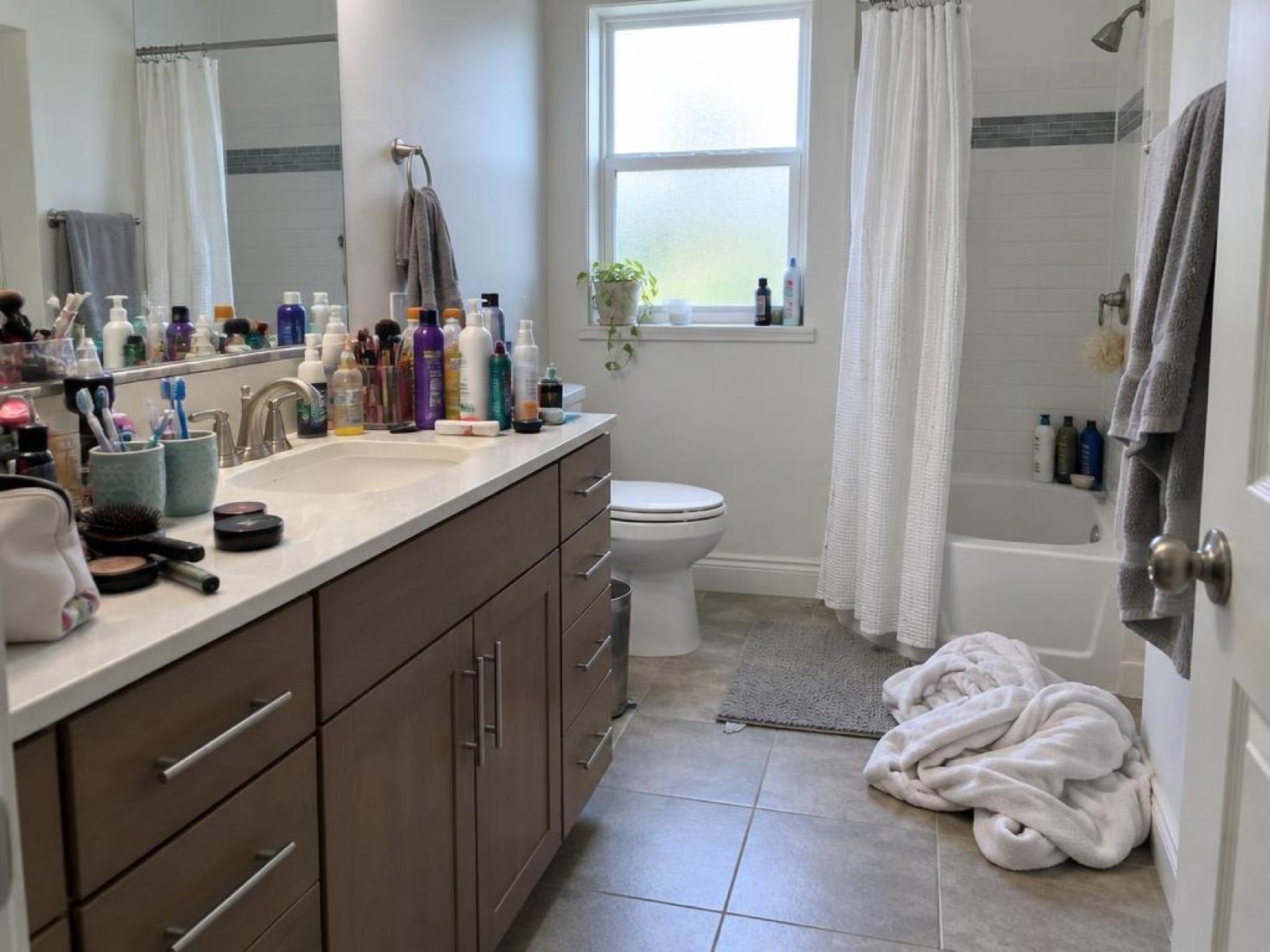
Clutter removal is for loose things. It doesn't hide damage, and it doesn't change the room. If something is broken or unsafe, fix it, or say so in the listing.
Re-using last year's photos: when it's fine and when it misleads
Old photos are fine while the unit looks the same: the same finishes, furniture and view. Once the kitchen has been repainted or a tenant has moved in with new furniture, the old photos mislead the renter. Retake the rooms that no longer match, and restage any virtually staged room that has changed.
Fix the rental photos after the shoot
Most rental fixes are small, and each one has a tool. Remove clutter takes loose items out of a tenant-occupied room. Virtual staging furnishes an empty room. Sky fix replaces a grey sky on the building exterior.
For dark rooms, crooked lines or a wrong angle, reshoot instead. Our bad real estate photos guide covers the common mistakes and which ones an edit can fix. Before you upload, check the size your listing site needs with our MLS photo size checker.
Posting the rental is a separate job. How to list a rental on Zillow walks through the steps and where the photos go. If you manage more than one unit, Stagey for landlords shows the tools for rentals.
Remove clutter costs 1 credit per photo ($1.04 to $1.20 depending on the pack), and virtual staging costs 2 credits ($2.08 to $2.40). See pricing for packs and plans.
Questions people ask
How do I take photos for a rental listing?
Shoot every room a renter will look at, plus the building entrance, parking and any outdoor space. Shoot in landscape, keep the verticals straight, and switch on every light.
Can I take rental listing photos when a tenant is still living there?
Yes, with the notice to enter that your lease and state law require. Ask the tenant to put away documents and personal items, shoot the key rooms, and remove any loose clutter that still shows.
Should I use virtual staging for a rental listing?
It can help in an empty unit. Staging one or two key rooms, usually the living room and the main bedroom, shows a renter how the space works. Label the staged photos as virtually staged, and keep an unstaged photo of the same room.
Can I reuse rental photos from last year?
Only while the unit looks the same. If the furniture, the finishes or the view have changed, retake the photos that no longer match, or the listing will mislead renters.
Do edited rental photos need a label?
Label edited photos the way your listing site and local rules ask, and keep the original. In California, from 1 January 2027, edited photos in a rental ad need a clear note on or next to the photo and the original or a link to it (AB 2025); the California guide has the details.
Start with the photo that needs the most work
Upload one photo from a tenant-occupied unit and see the loose items taken out in about a minute.
4 free credits · no credit card