Listing guide
How to list a rental on Zillow
Landlords post on Zillow the same way every time. Here are the steps in the order Zillow asks for them, the cost to check, and the photos that show a unit well.
By the Stagey team · Updated 11 November 2026 · 7 min read
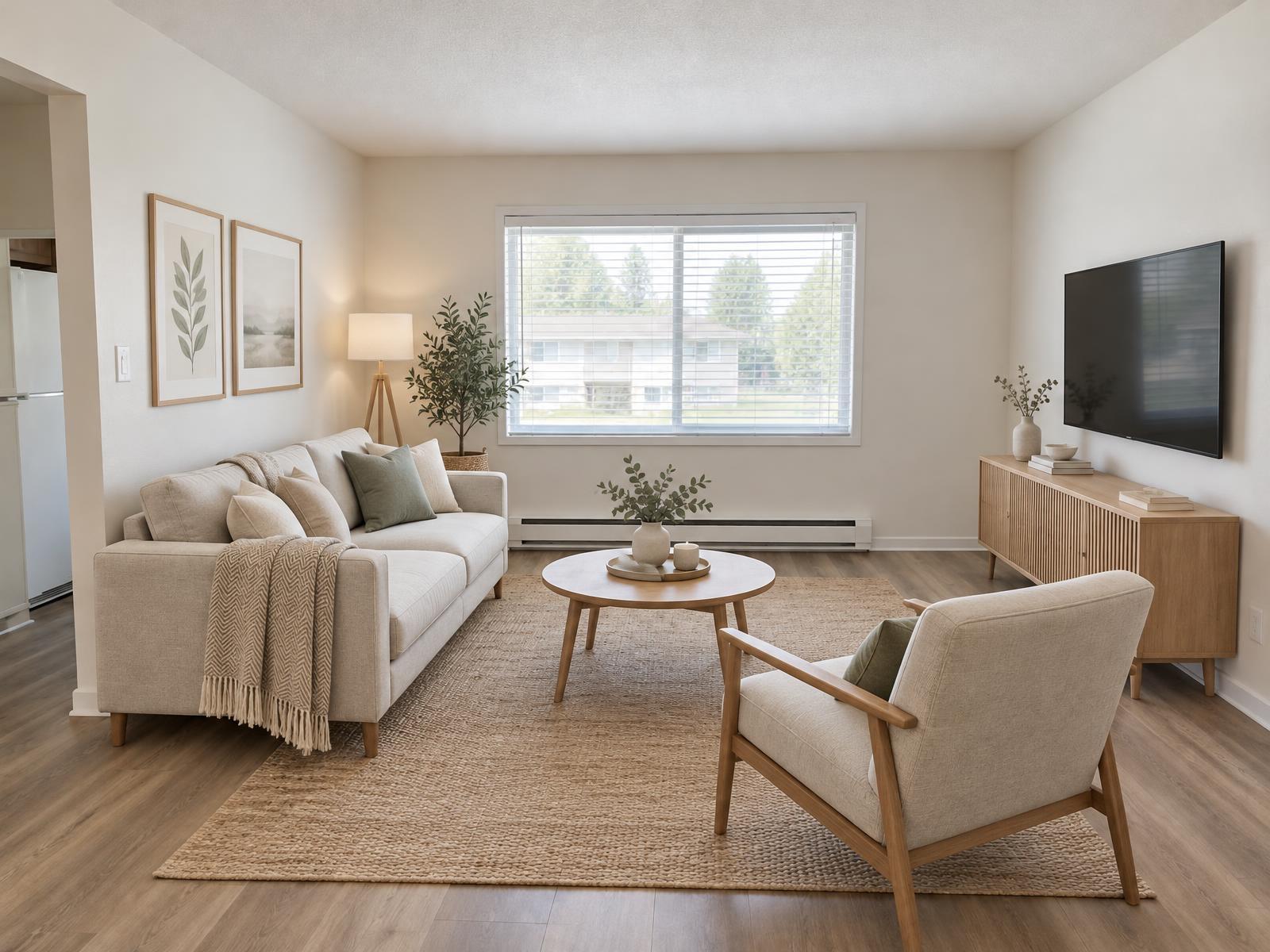
How to list a rental on Zillow, step by step
Work through the steps in order, with your lease open next to the form, so the rent, deposit and lease length match what you will sign.
- 1
Create your rental account
Open Zillow's rental tools at zillow.com/rental-manager and sign in. Use an email address you check every day, because inquiries and applications arrive there. - 2
Add the unit details
Enter the address, unit number, bedrooms, bathrooms and what comes with the unit, such as parking, storage and laundry. Match every field to your lease. - 3
Set the rent and lease terms
Enter the monthly rent, the deposit, the date the unit is available and the lease length. Use the same figures as your lease draft. - 4
Upload the photos
Add clean, daylit photos of the outside and of each room renters ask about. Check Zillow's current photo rules before you upload. The photos section below has the shot list. - 5
Write the description
Describe the unit in plain words: layout, light, what is included, and the move-in date. The checklist below covers every line. - 6
Set how people apply
Choose how applicants apply and what you need from them, such as proof of income and references. Use the same rules for every applicant. - 7
Publish the listing
Read the preview against your lease: rent, address, photos and description. Check the current listing cost on zillow.com before you publish. - 8
Manage inquiries
Answer inquiries and viewing requests from one inbox. When the unit is leased, update or close the listing so you stop getting inquiries for it.
| What | Zillow says |
|---|---|
| Listing | "List your properties for free" (Rental Manager page) |
| Photo formats | JPG, GIF, PNG or TIF |
| Photo size | At least 330 × 220 px, 1536 × 1152 px suggested |
| File size | Under 50 MB, 10 MB suggested (help center, Photo uploading tips) |
Zillow can change these; check what it shows before you publish.
How much does it cost to list a rental on Zillow?
Zillow's Rental Manager page advertises free listings (checked 11 November 2026); Zillow sets its own prices for any extras, so check what it shows before you publish. The part you can budget for in this guide is the photos. Stagey charges per photo from the same pack table as the rest of the site.
| Item | Cost |
|---|---|
| Zillow rental listing | Advertised as free on Zillow Rental Manager (checked 11 Nov 2026) |
| Stagey virtual staging, one empty room | $2.08 to $2.40 |
| Stagey sky fix, one exterior | $1.04 to $1.20 |
| Stagey remove clutter, one photo | $1.04 to $1.20 |
| Human virtual staging, commonly quoted | $75–150 per image, commonly quoted, 24–48 hour turnaround |
Stagey: pay-as-you-go prices from the pack table, lowest and entry pack. Human price as commonly quoted, not a Stagey price.
For packs and monthly plans, see pricing.
Photos for a rental listing
Shoot the outside first, then each room a renter will ask about. Daylight, open blinds and straight verticals do most of the work. For shot order and settings, read the rental listing photos guide.
Edit only what is missing or dated. Staging adds furniture to an empty unit, a sky fix replaces a flat sky, and clutter removal clears a room that someone still lives in. The walls, windows and floors stay as they are. Stagey's tools for this are virtual staging for empty rooms, sky fix for flat skies and remove clutter for a unit that is still occupied.
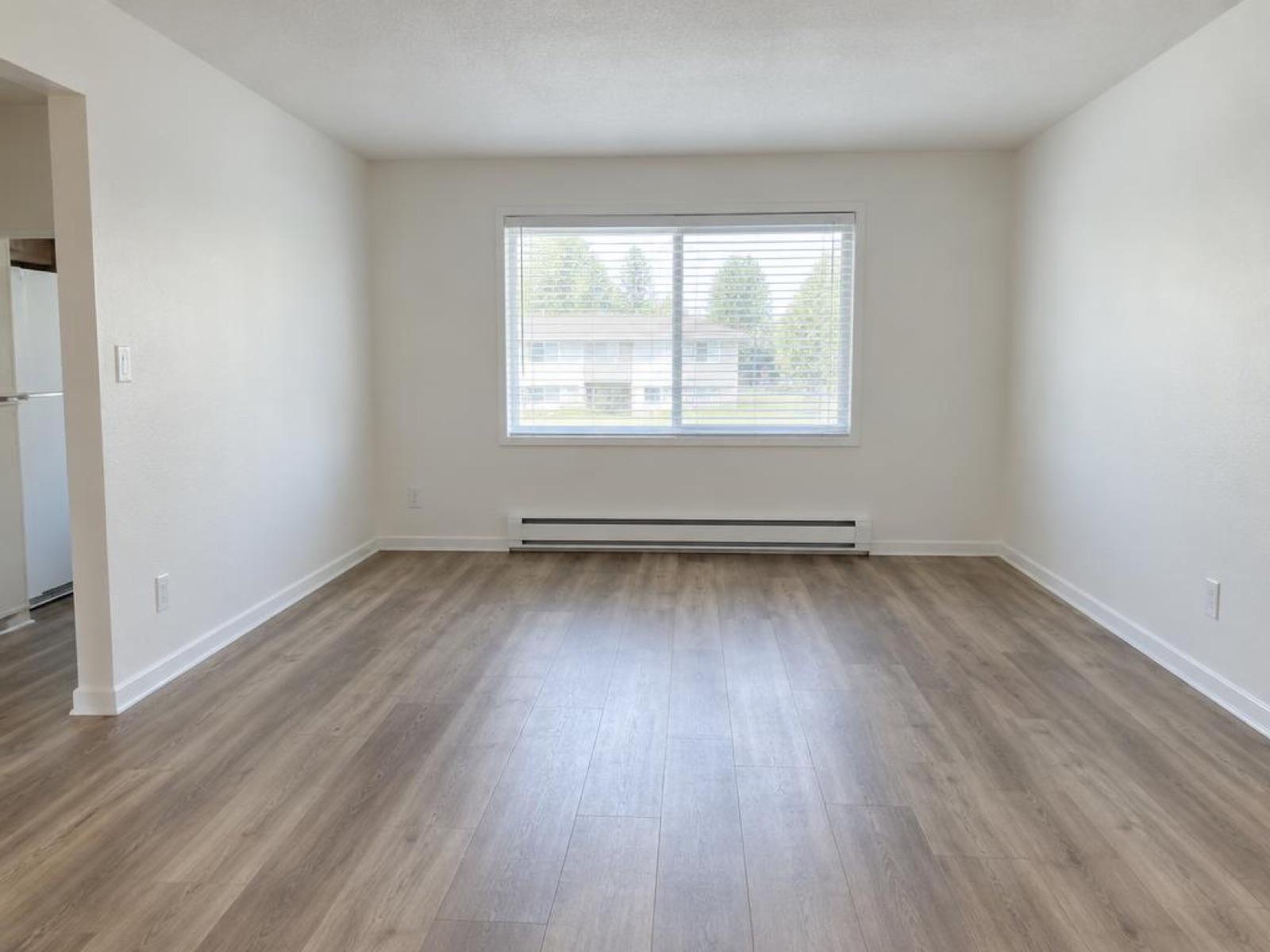
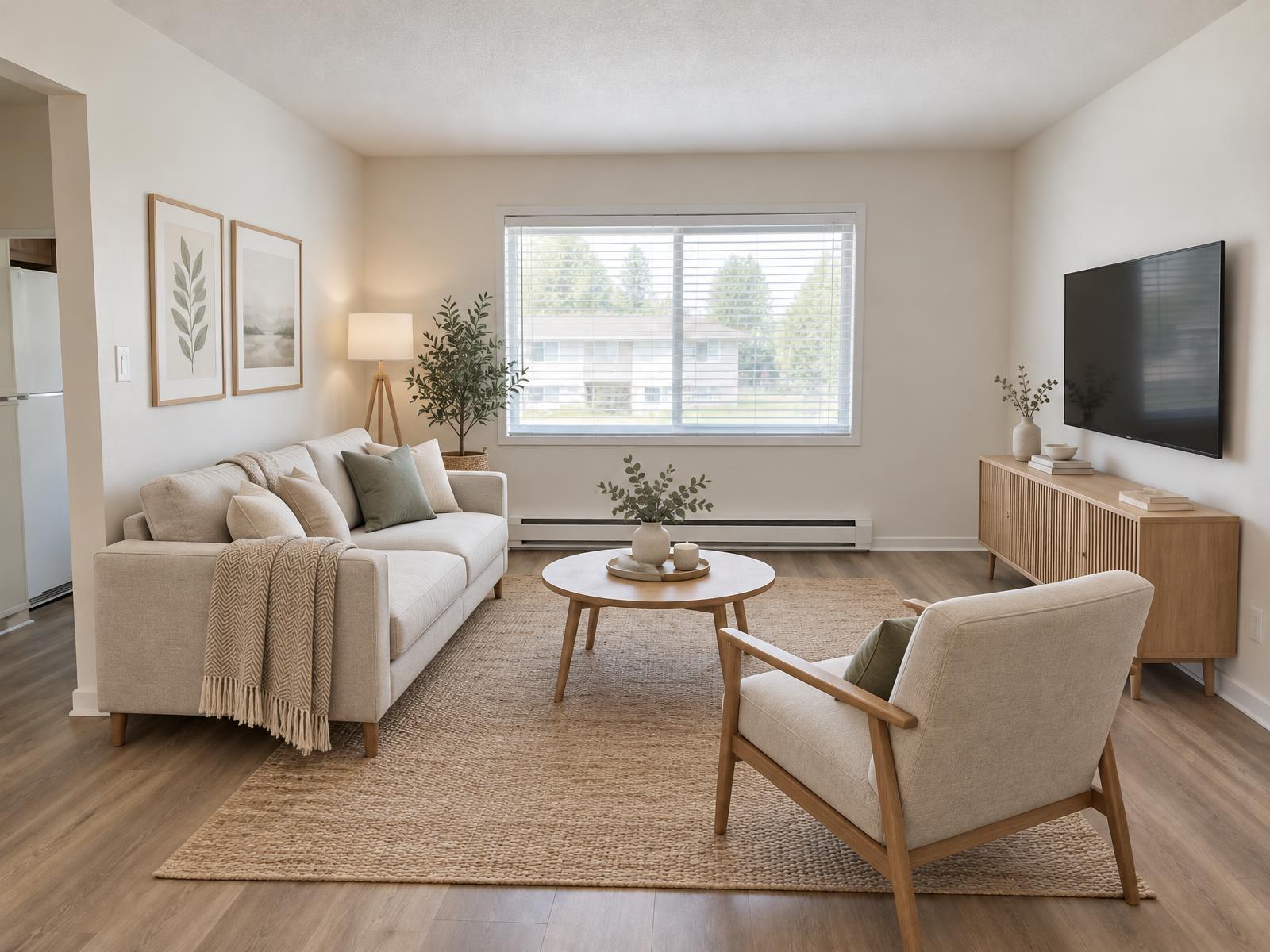
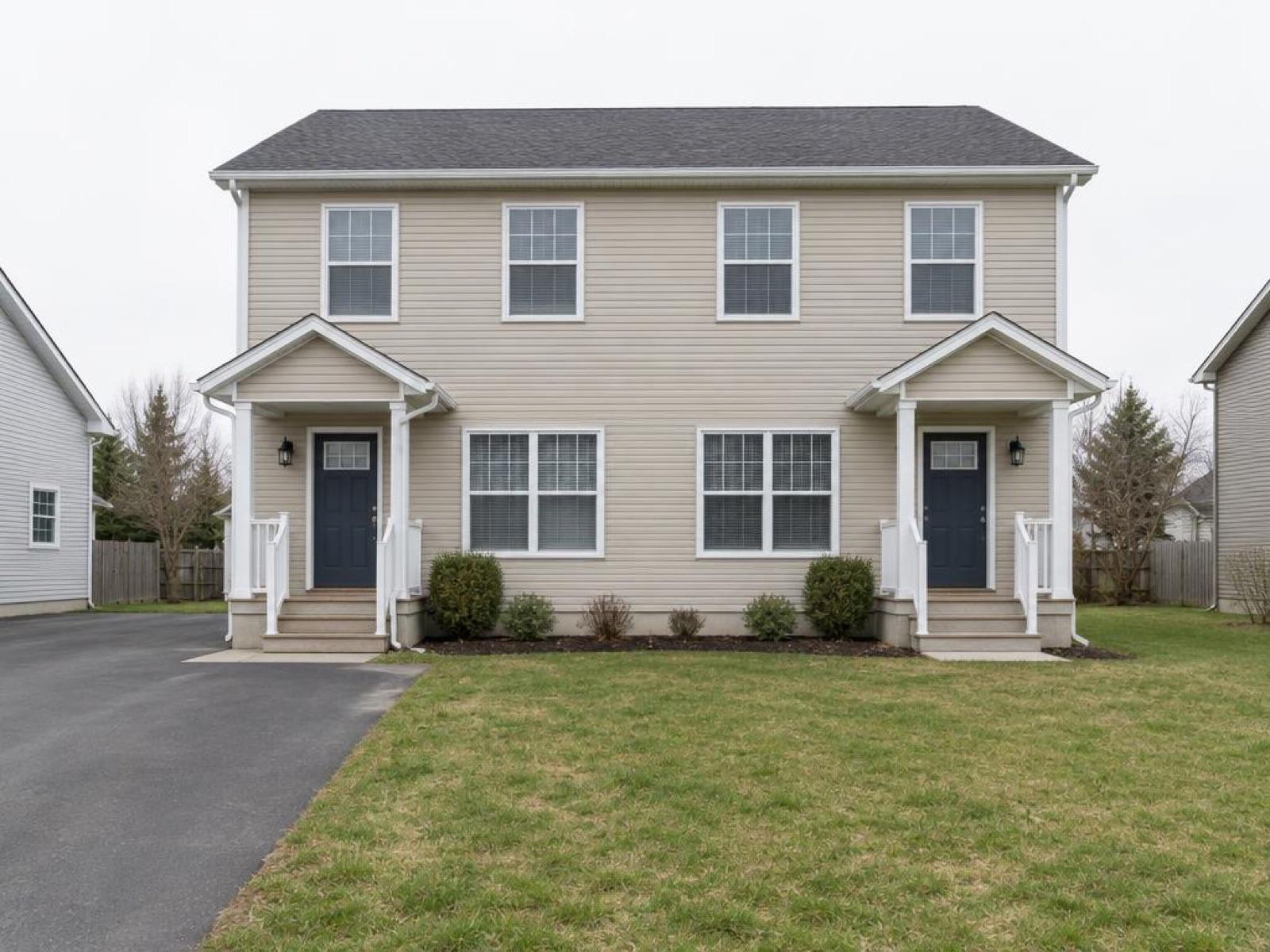
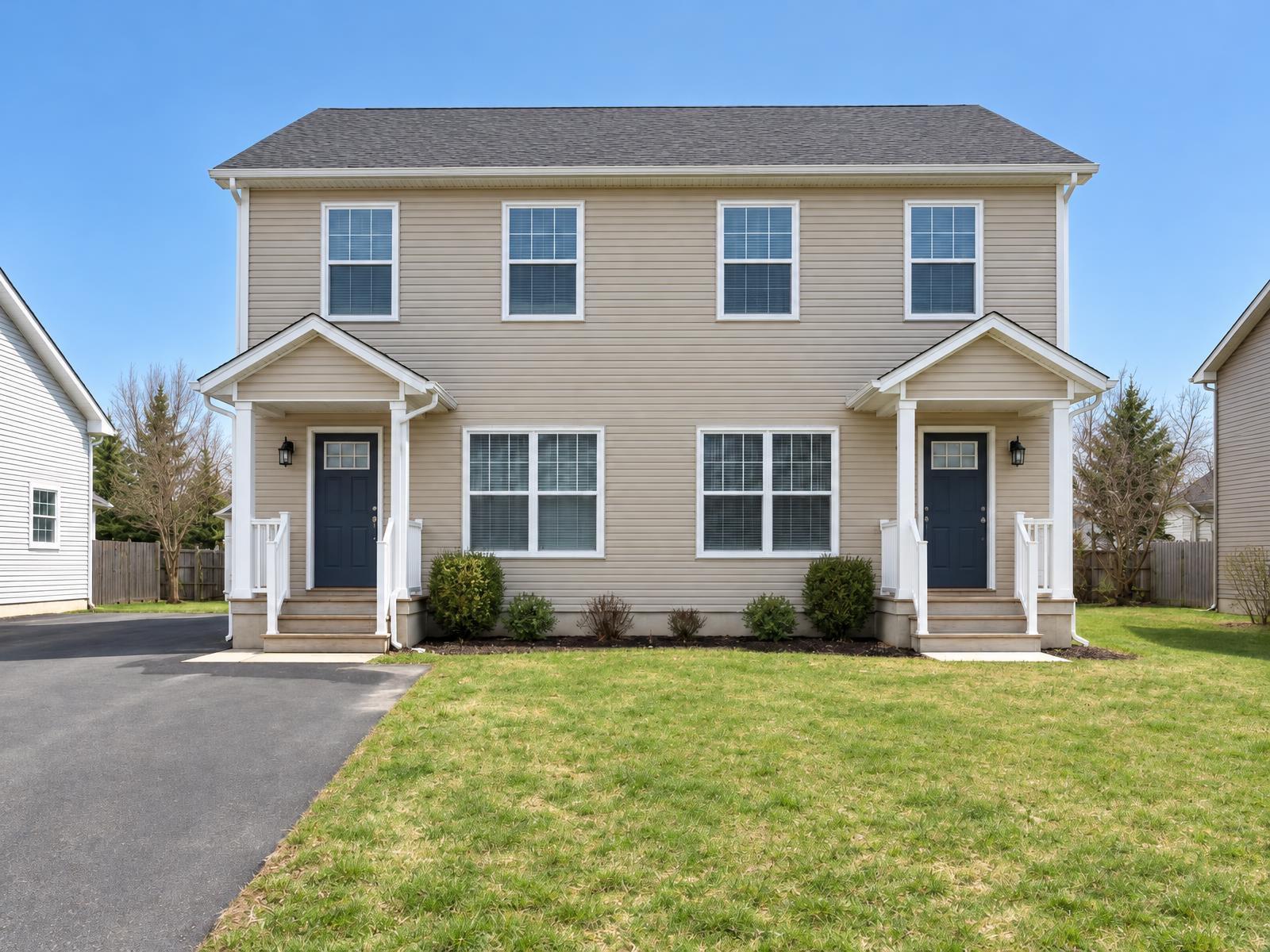
Zillow asks for photos at least 330 × 220 px and suggests 1536 × 1152 px. Sizes differ between listing sites and MLS boards, so run your photos through the free MLS photo size checker before you upload.
Write the description
Describe the unit in plain words. Renters look for the layout, the light, what is included and what it costs to move in. This list makes sure nothing is missing.
- LayoutBedrooms, bathrooms and the rooms renters use most
- Light and viewsWhich way the main windows face and what they look out on
- What is includedAppliances, parking, storage and laundry
- Utilities and feesOnly what your lease says
- Lease and move-inLease length and the date the unit is ready
- NearbyTransport, shops and parks, named as they really are
Keep every figure the same as your lease, and leave out any feature the unit does not have.
Edited photos and the rules
In California, from 1 January 2027, a rental ad that uses a digitally altered photo needs a clear note on or next to the photo, plus the unaltered photo or a link to it (AB 2025, Civil Code section 1940.11). It applies to any person who advertises a rental, landlords included, not only agents.
Label every edited photo. A short caption such as "Virtually staged" is common practice, and our disclosure guide lists the rules by state and board. California has its own rule on altered photos in property listings, covered in the AB 723 guide.
Questions people ask
How do I list a rental on Zillow?
Create a rental account on Zillow, add the unit, enter the rent and lease terms, upload photos, write the description, set how applicants apply, and publish. The steps in this guide follow that order.
How much does it cost to list a rental on Zillow?
Zillow's Rental Manager page says "List your properties for free" (checked 11 November 2026). Zillow sets its own prices and paid extras and can change them, so check what Zillow shows before you publish.
Can I use edited photos in a Zillow rental listing?
Label every edited photo, and check Zillow's current rules and your state's rules before you post. A short caption such as Virtually staged is common practice. Our disclosure guide lists the rules by state and board.
Do I need a professional photographer for a rental listing?
No. Many landlords shoot their own photos with a phone in daylight. The rental listing photos guide covers the shot list and the settings.
Can Stagey stage an empty rental?
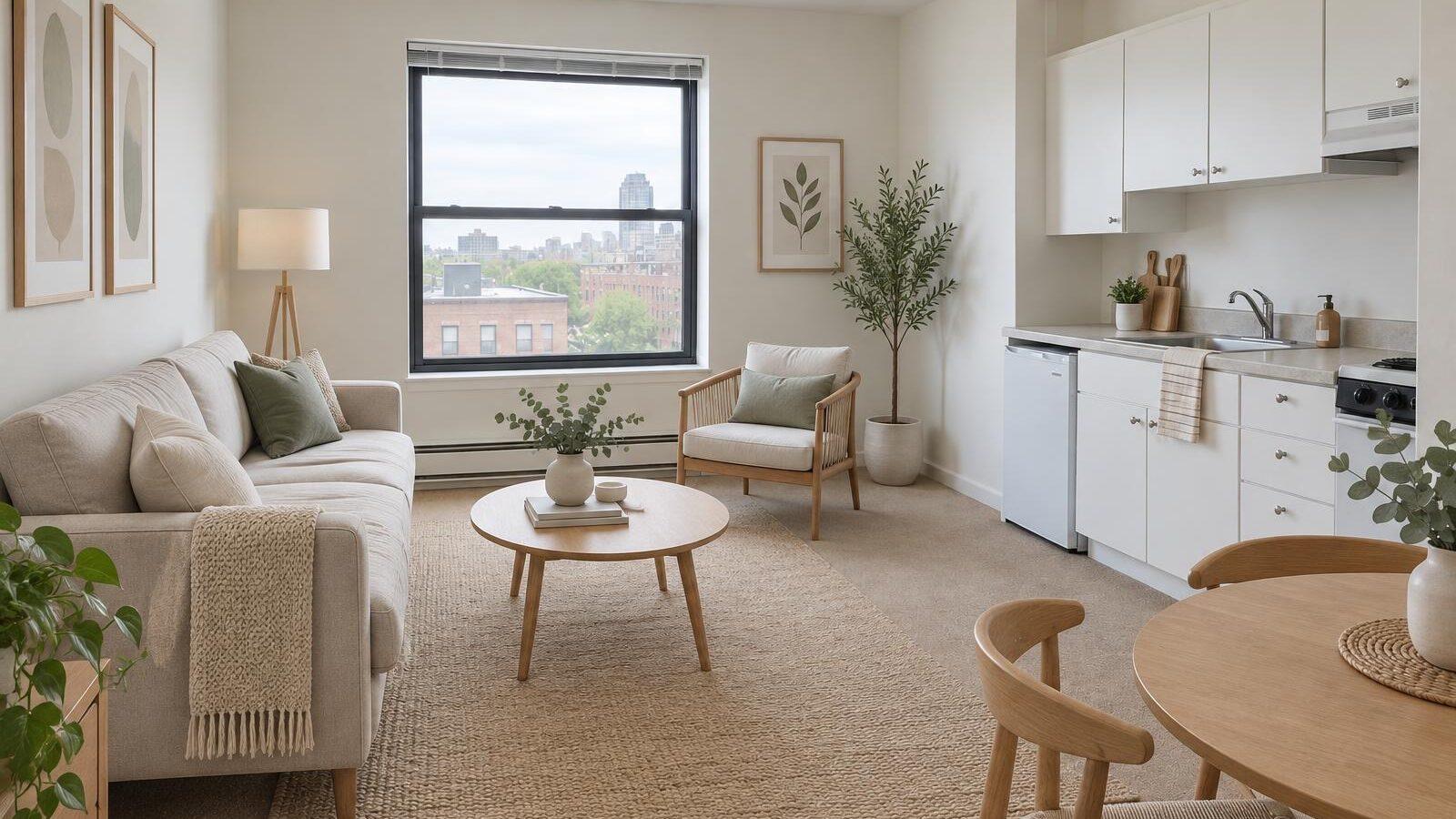
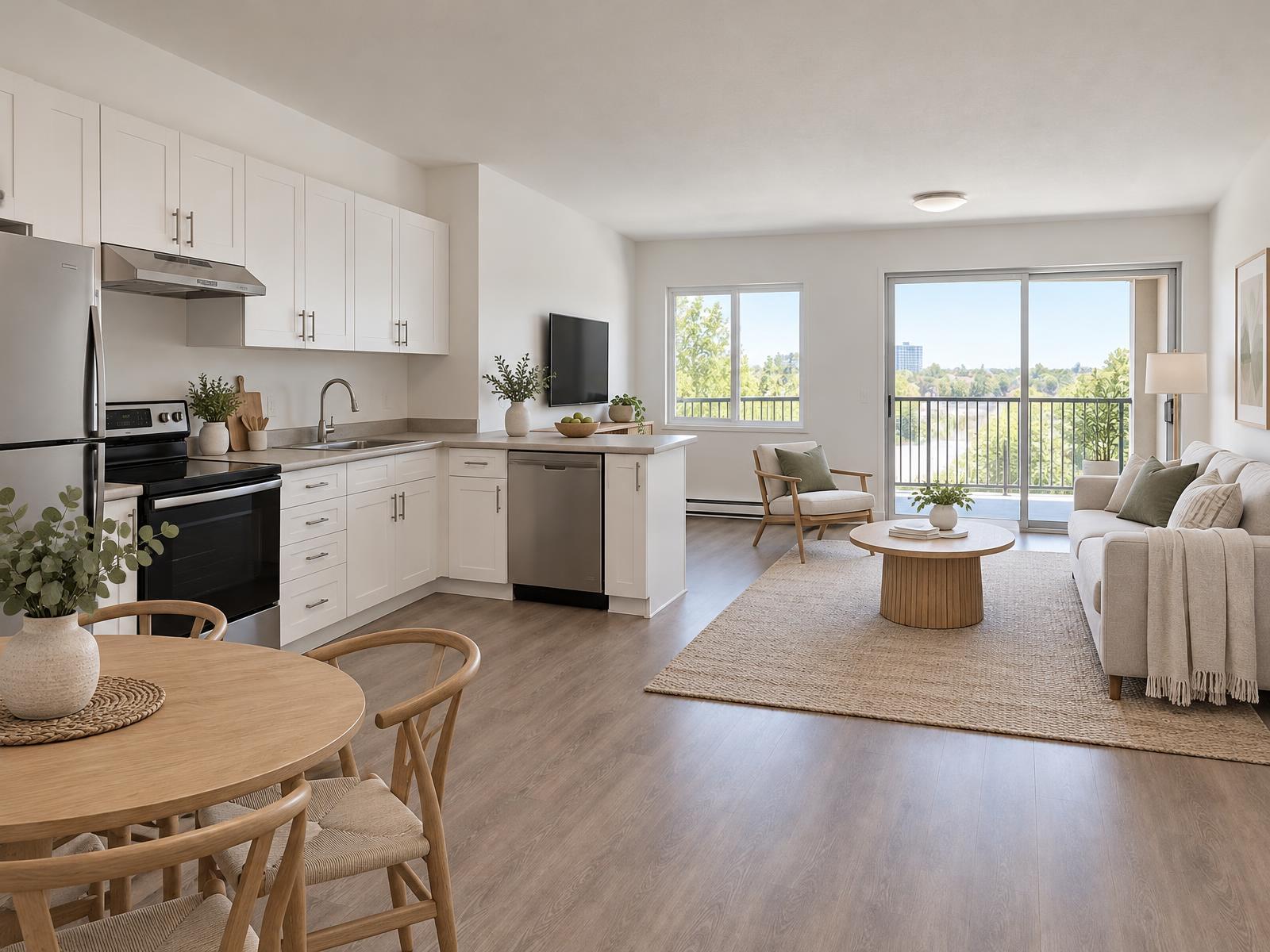
Yes. Upload a photo of an empty room and the staging tool adds furniture while the walls, windows and floors stay as they are. It takes about a minute.
Stage your next empty unit
Upload one photo of an empty room and see it furnished in about a minute. The walls and windows stay as they are.
4 free credits · no credit card